New

Baby Budget Calculator

One-time costs, monthly costs by month, the leave income gap and a savings target by the due date.

$8.99 USD · one-time

  • Google Sheets + Excel
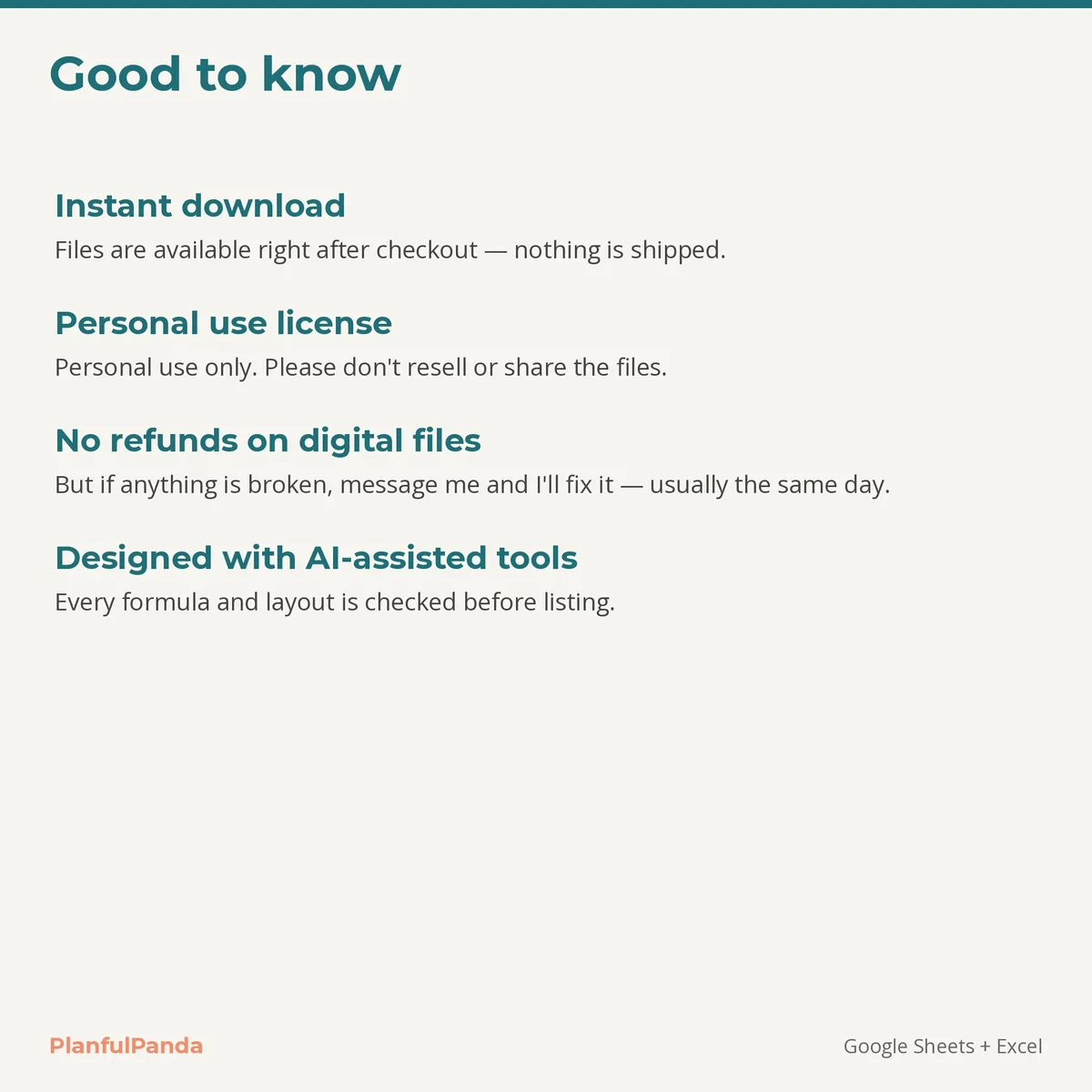
  • Instant download
  • No formulas to touch

An easy-to-edit Baby Budget Calculator for Google Sheets and Excel. List every one-time cost, map the first year month by month, add up the parental-leave income gap, and get one monthly savings amount that has it all covered by the due date.

Perfect for: parents-to-be who just want the calculator, without the printable guide.

THE CALCULATOR (Google Sheets + Excel)

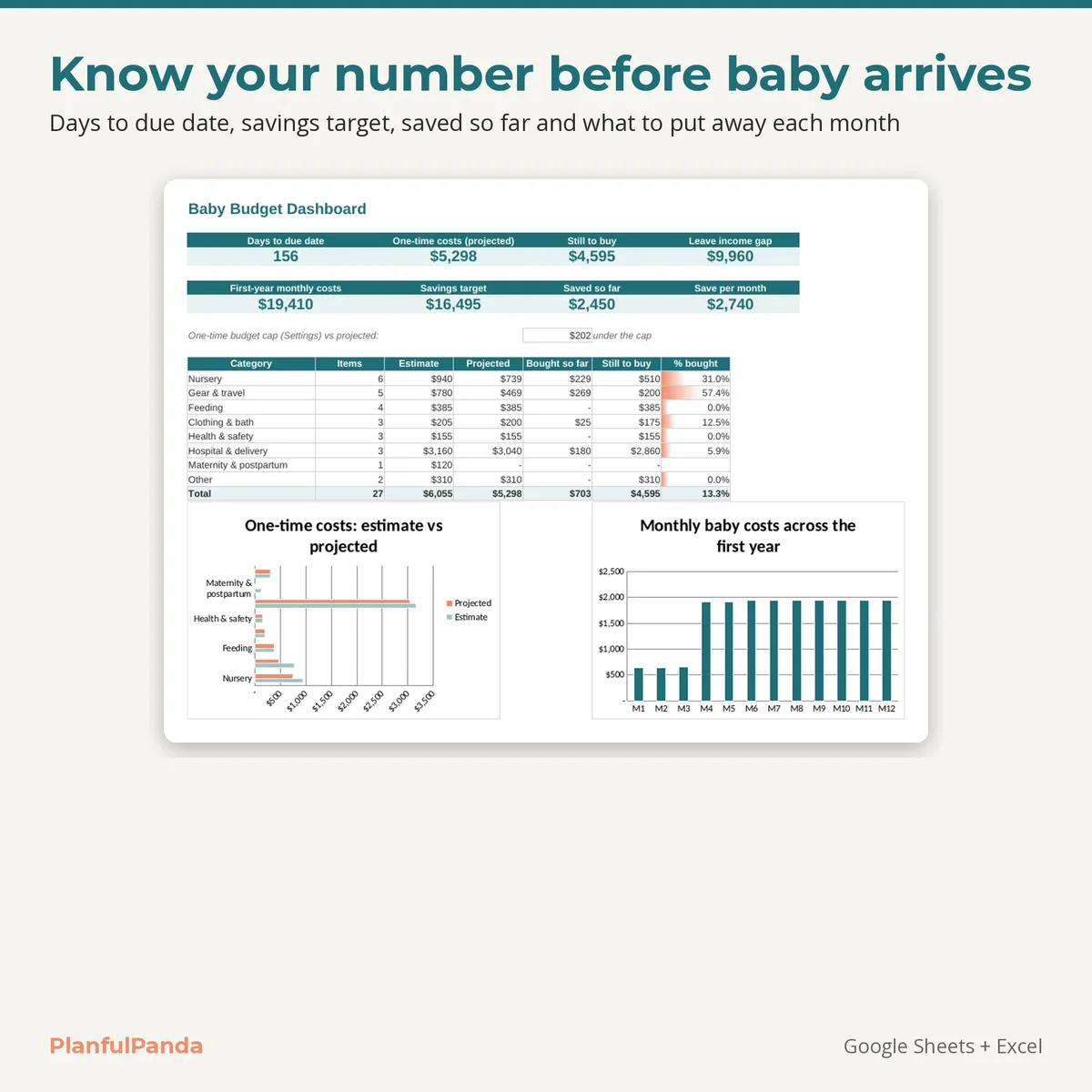
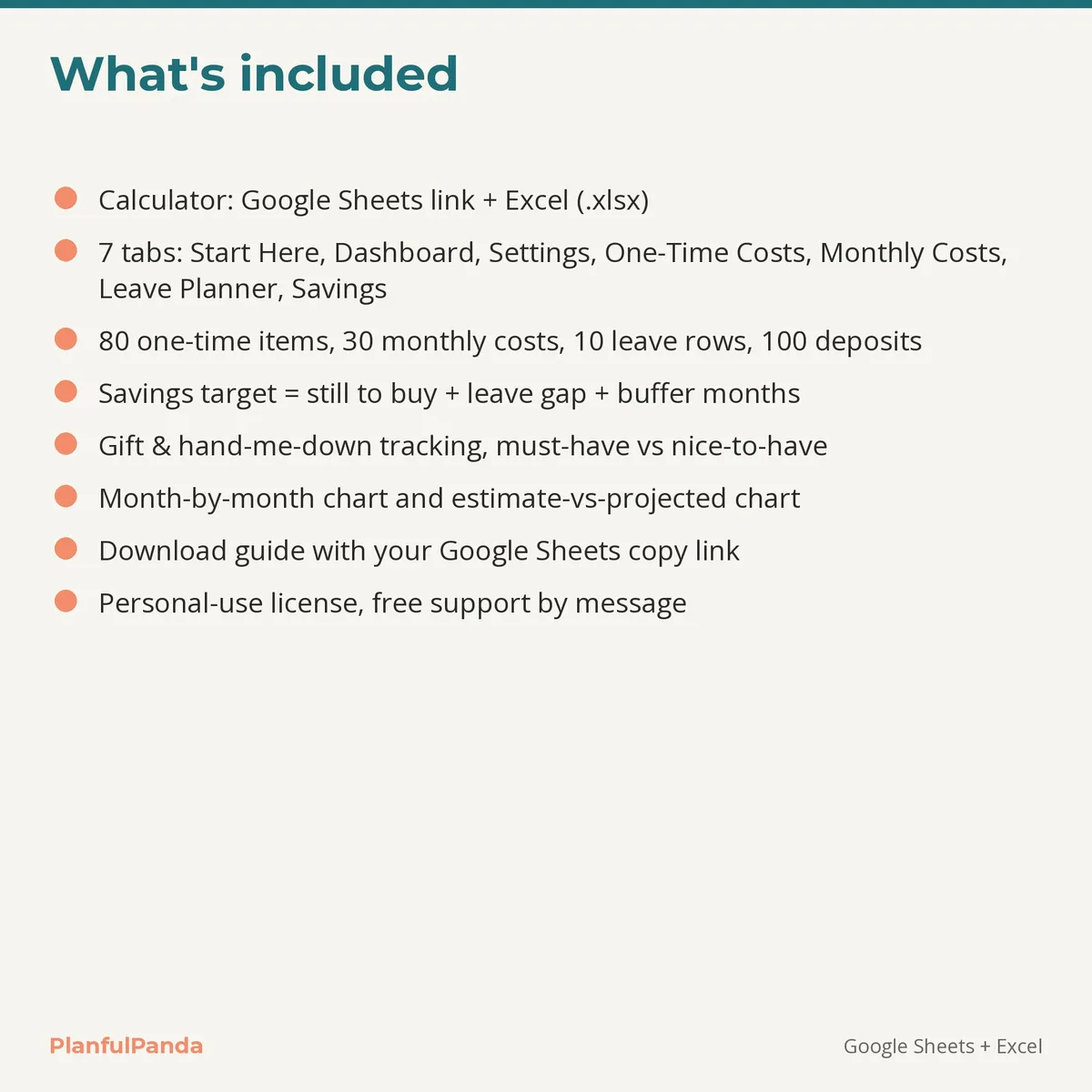
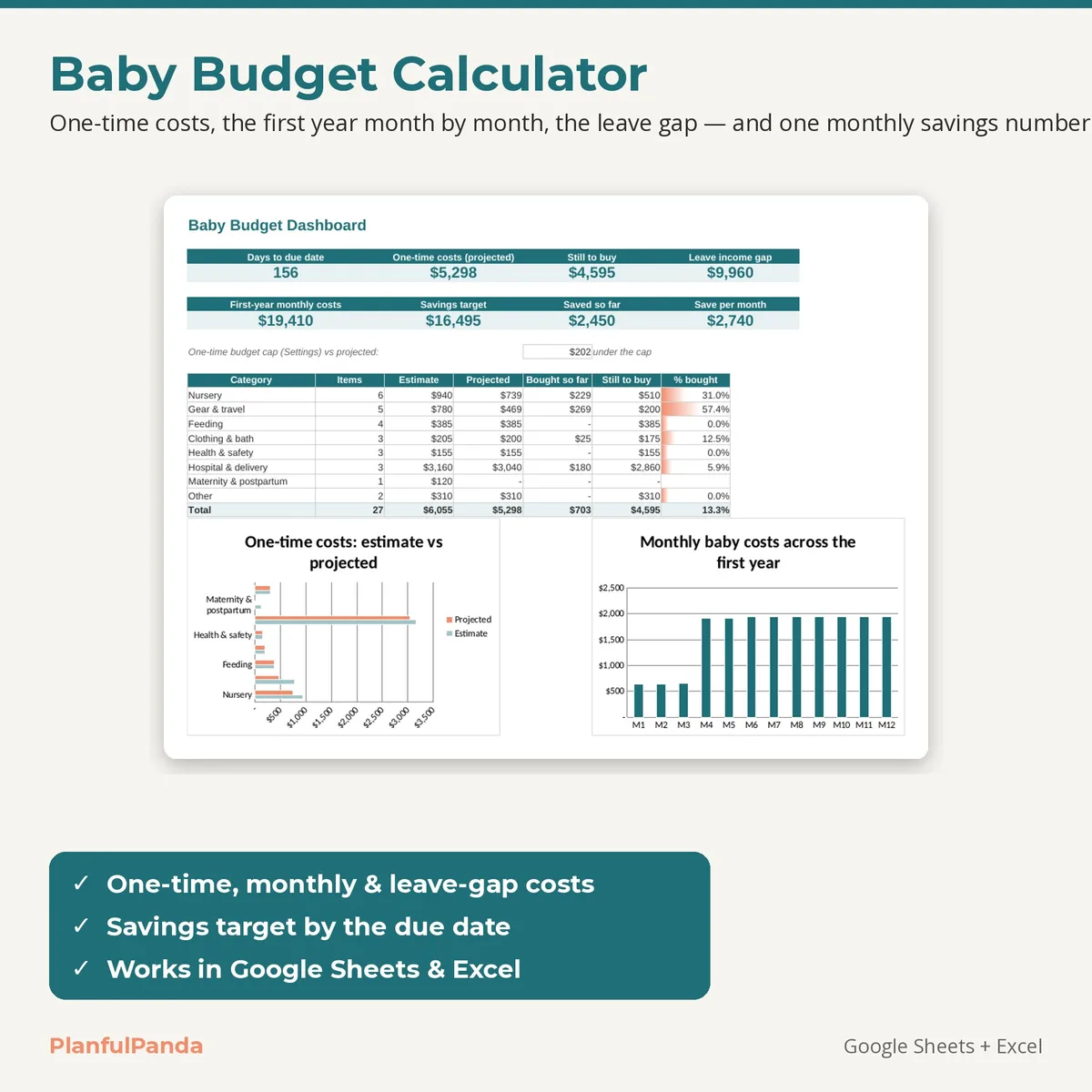
• Dashboard: days to due date, projected one-time costs, still to buy, leave income gap, first-year monthly costs, savings target, saved so far and the amount to save per month, plus a category table with % bought, an estimate-vs-projected chart and a month-by-month cost chart.

• Settings: due date, what you've already saved, how many months of baby costs to hold as a buffer, an optional one-time budget cap, and up to 8 categories you can rename.

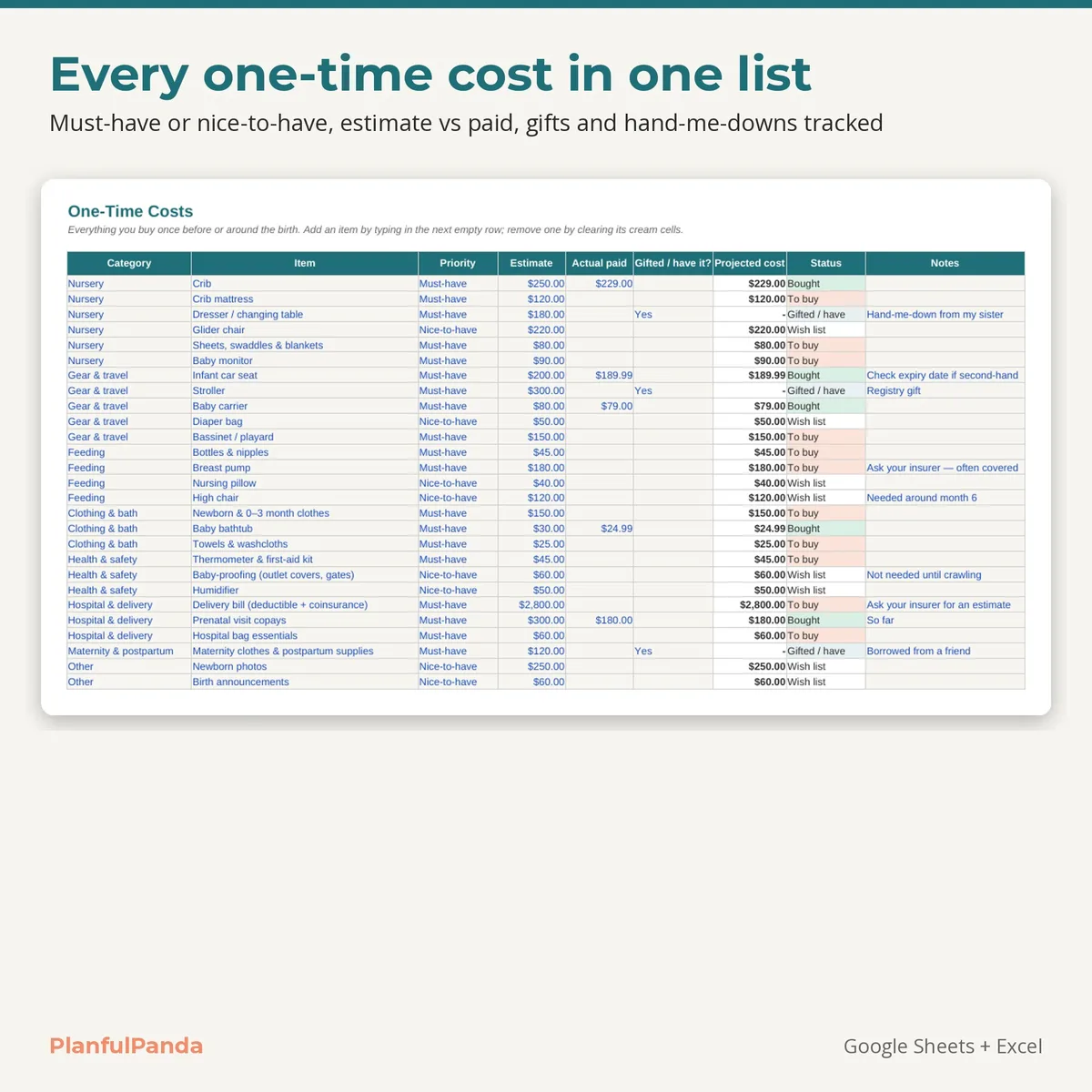
• One-Time Costs: up to 80 items (crib, car seat, stroller, feeding gear, hospital bill…). Must-have or nice-to-have, estimate, actual paid, and a "Yes" for gifts and hand-me-downs. Projected cost and status (To buy / Wish list / Bought / Gifted) are calculated for you.

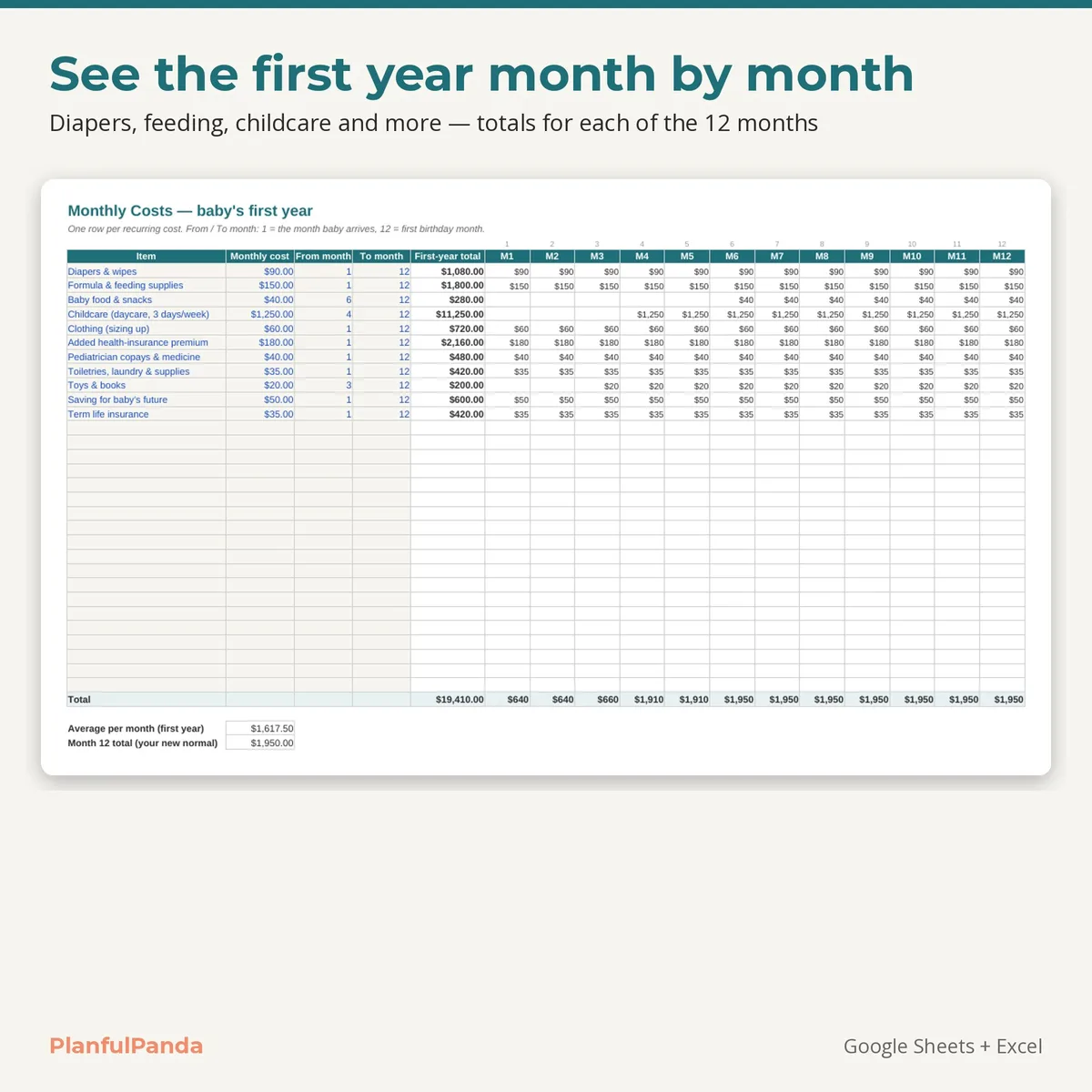
• Monthly Costs: up to 30 recurring costs with the months they apply (1 = arrival month, 12 = first birthday). See month 1, month 12 and the first-year total.

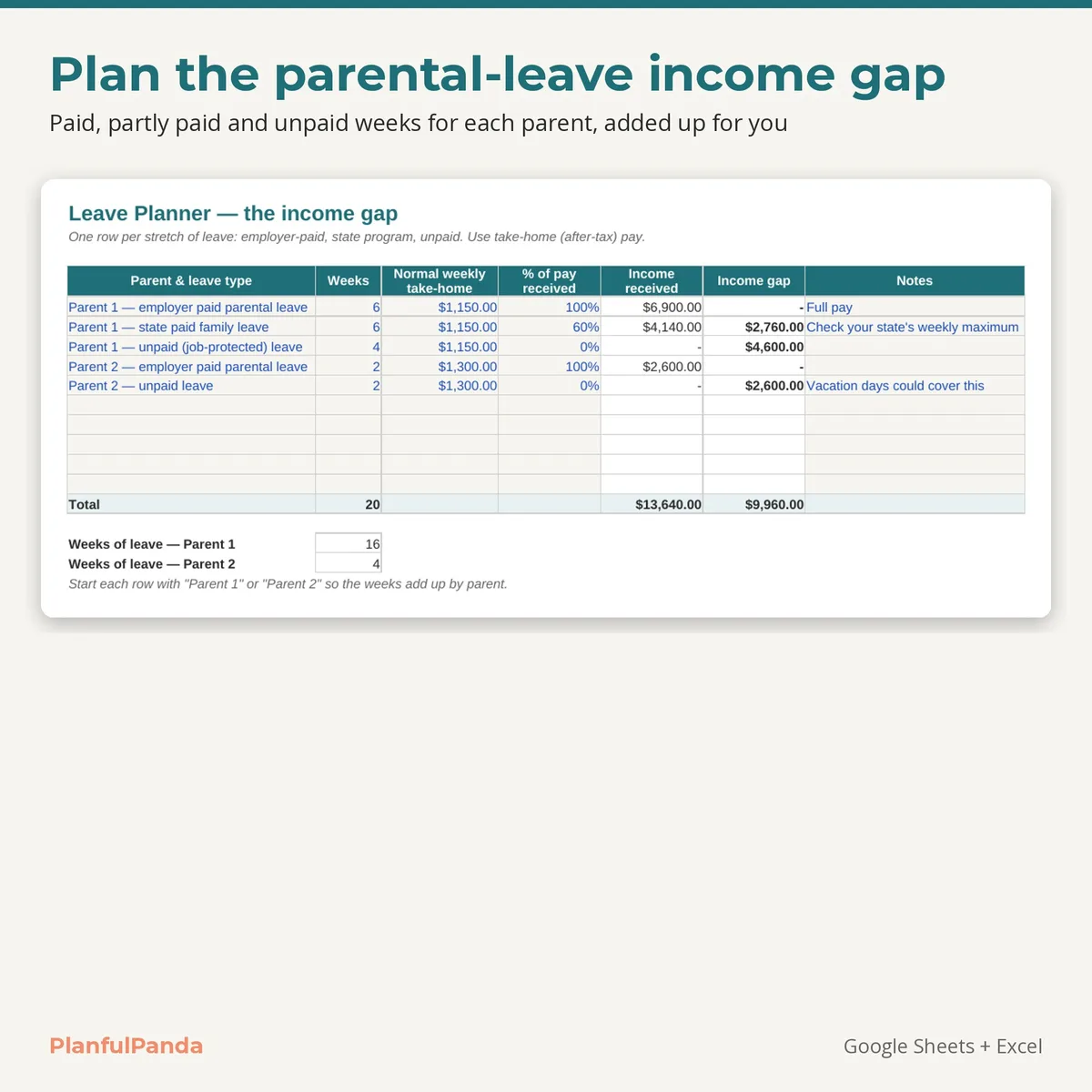
• Leave Planner: each stretch of parental leave for each parent — weeks, weekly take-home, % paid — adds up to the income gap most families forget.

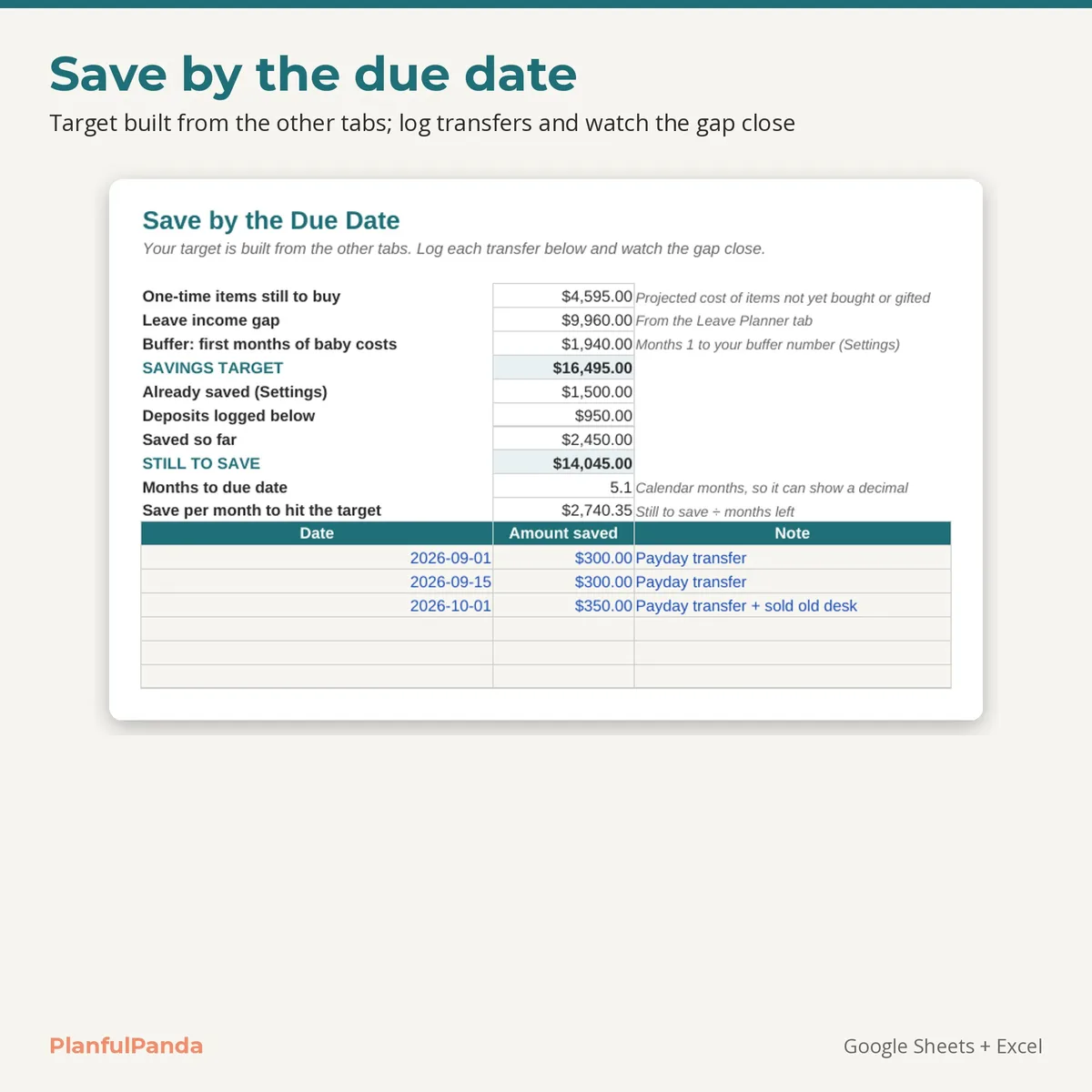
• Savings: your target = still to buy + leave gap + buffer months. Log every transfer and watch "still to save" and the monthly amount fall.

• Add a row by typing in the next empty cream row; remove one by clearing it. Formula cells are protected (no password).

You receive

  • Download guide PDF with your Google Sheets "make a copy" link.
  • Excel (.xlsx) file.

Want the 23-page Baby Budget Guide (first-year cost research, gear and registry strategy, childcare, leave programs by state, insurance deadlines, 2026 tax breaks to ask about, worksheets) as well? See the PlanfulPanda Baby Budget & Savings Kit in the shop.

How it works

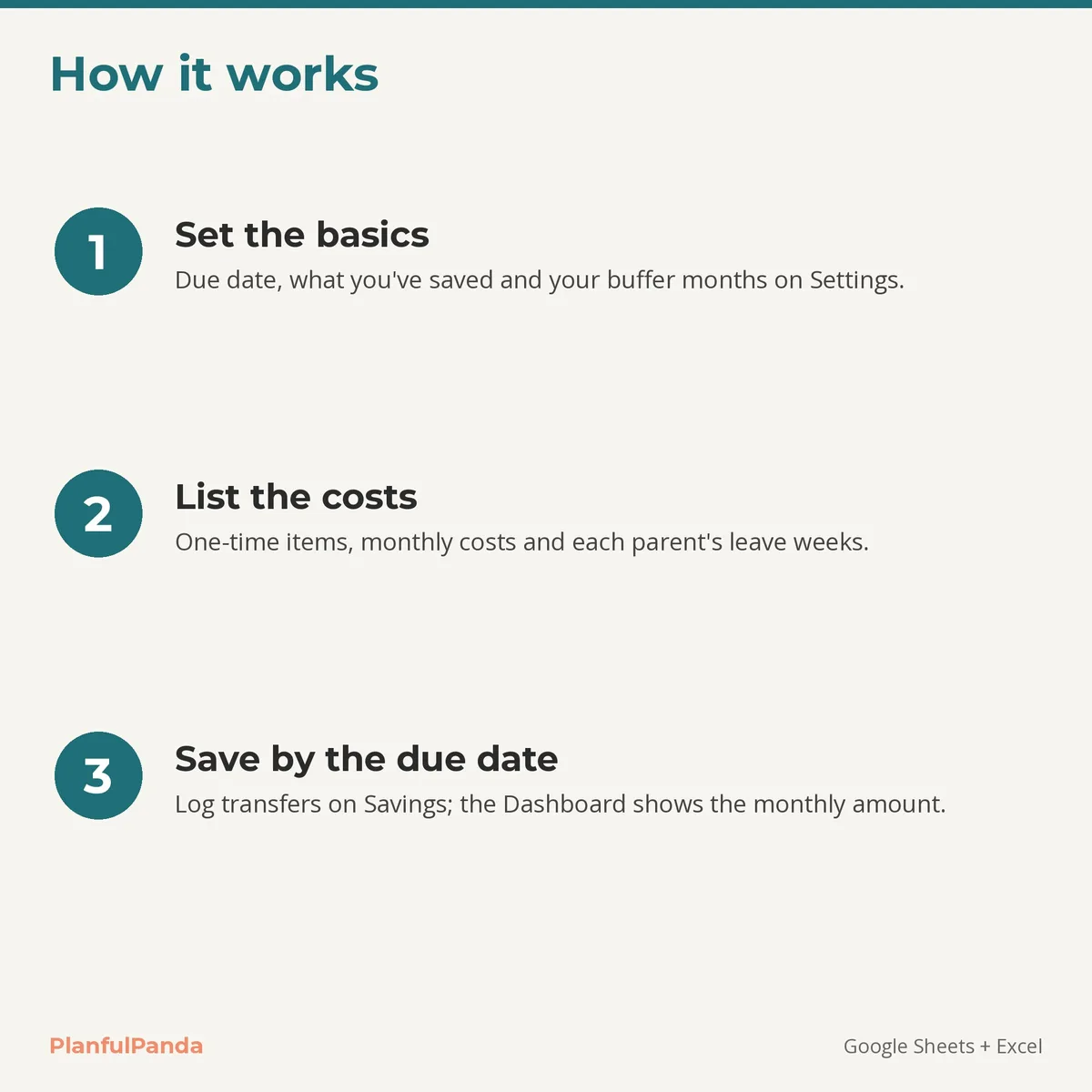
  1. Download the files. Open the Google Sheets link and choose File → Make a copy (or open the Excel file).
  2. Enter your due date and savings on Settings.
  3. Fill in One-Time Costs, Monthly Costs and Leave Planner, log transfers on Savings, and check the Dashboard any time.

Compatibility

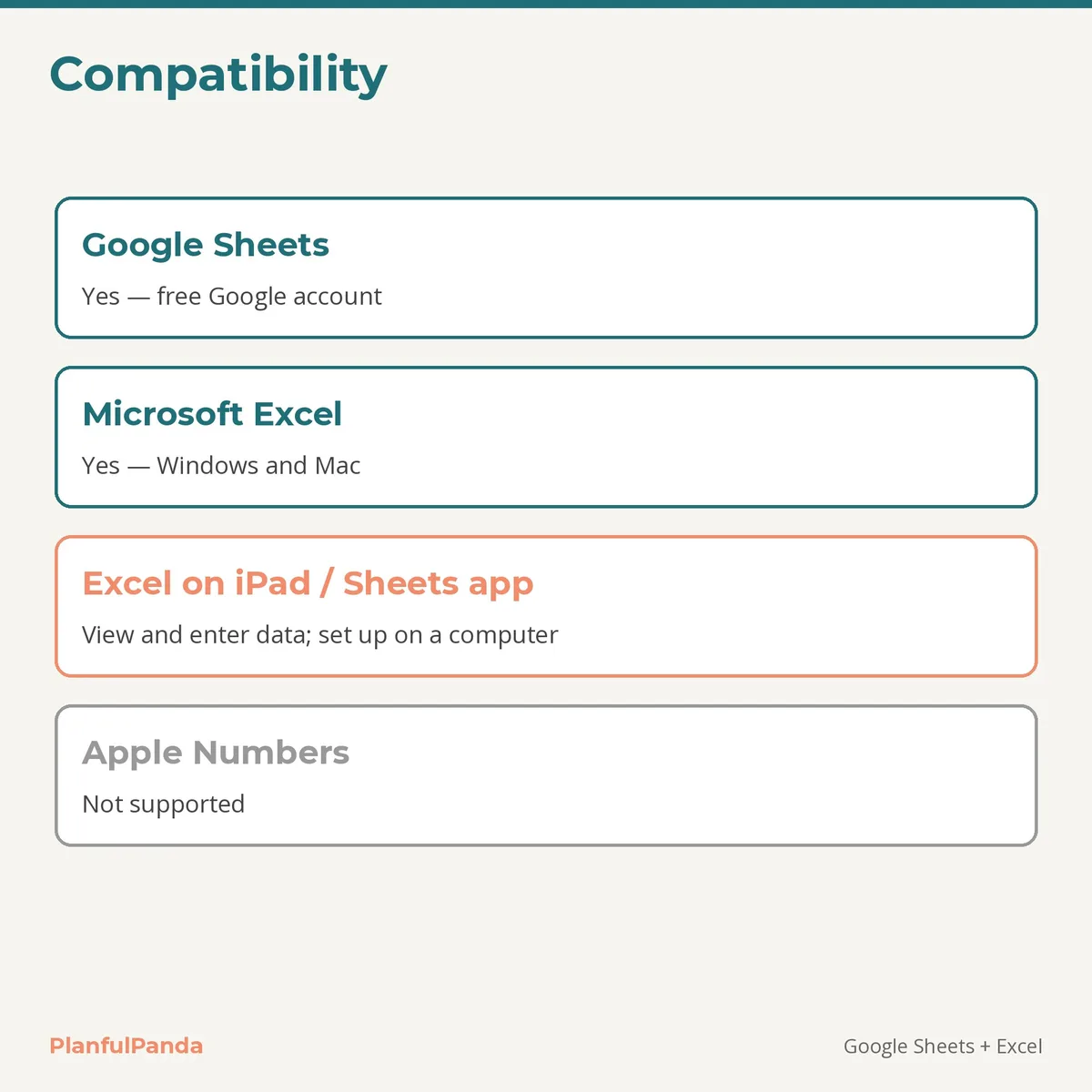
Google Sheets (free Google account) and Microsoft Excel (Windows and Mac). Set-up is easiest on a computer. Not designed for Apple Numbers.

License

Personal use. Please don't resell, share or redistribute the files.

Templates are budgeting tools, not financial, tax or legal advice. Not affiliated with or endorsed by Google or Microsoft.

Designed by PlanfulPanda with AI-assisted tools; every formula and layout is checked before listing.

Questions about the Baby Budget Calculator

What is the Baby Budget Calculator?

The PlanfulPanda Baby Budget Calculator is a spreadsheet template for Google Sheets and Excel. One-time costs, monthly costs by month, the leave income gap and a savings target by the due date.

Who is the Baby Budget Calculator for?

It's made for parents-to-be who just want the calculator, without the printable guide.

Does it work in Google Sheets and Excel?

Yes. You get a Google Sheets copy link and an Excel (.xlsx) file for Windows or Mac. It isn't designed for Apple Numbers.

How much does it cost?

$8.99 USD on Etsy, or $8.09 when you buy direct through Payhip. It's a one-time purchase with no subscription.