THE CALCULATOR (Google Sheets + Excel)
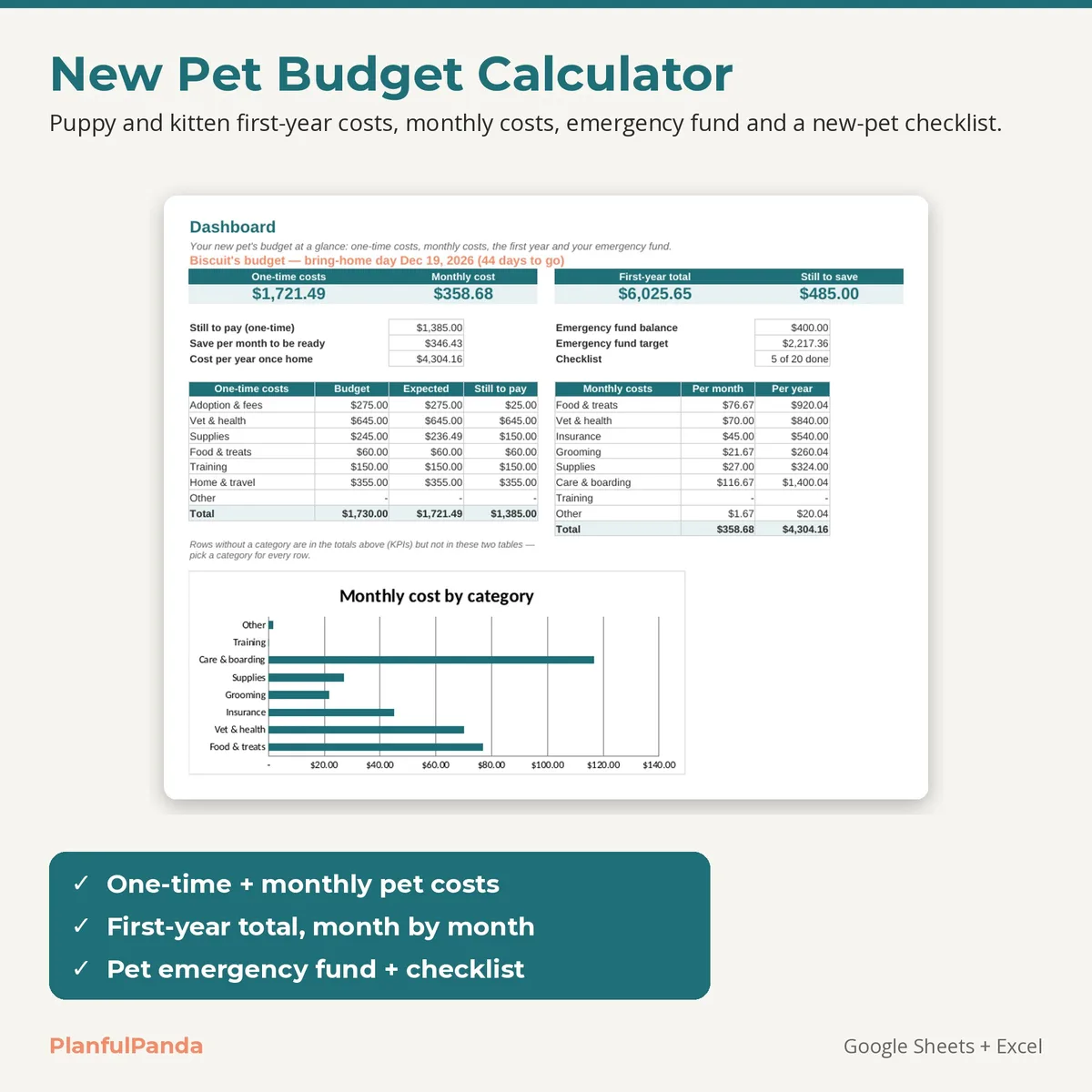
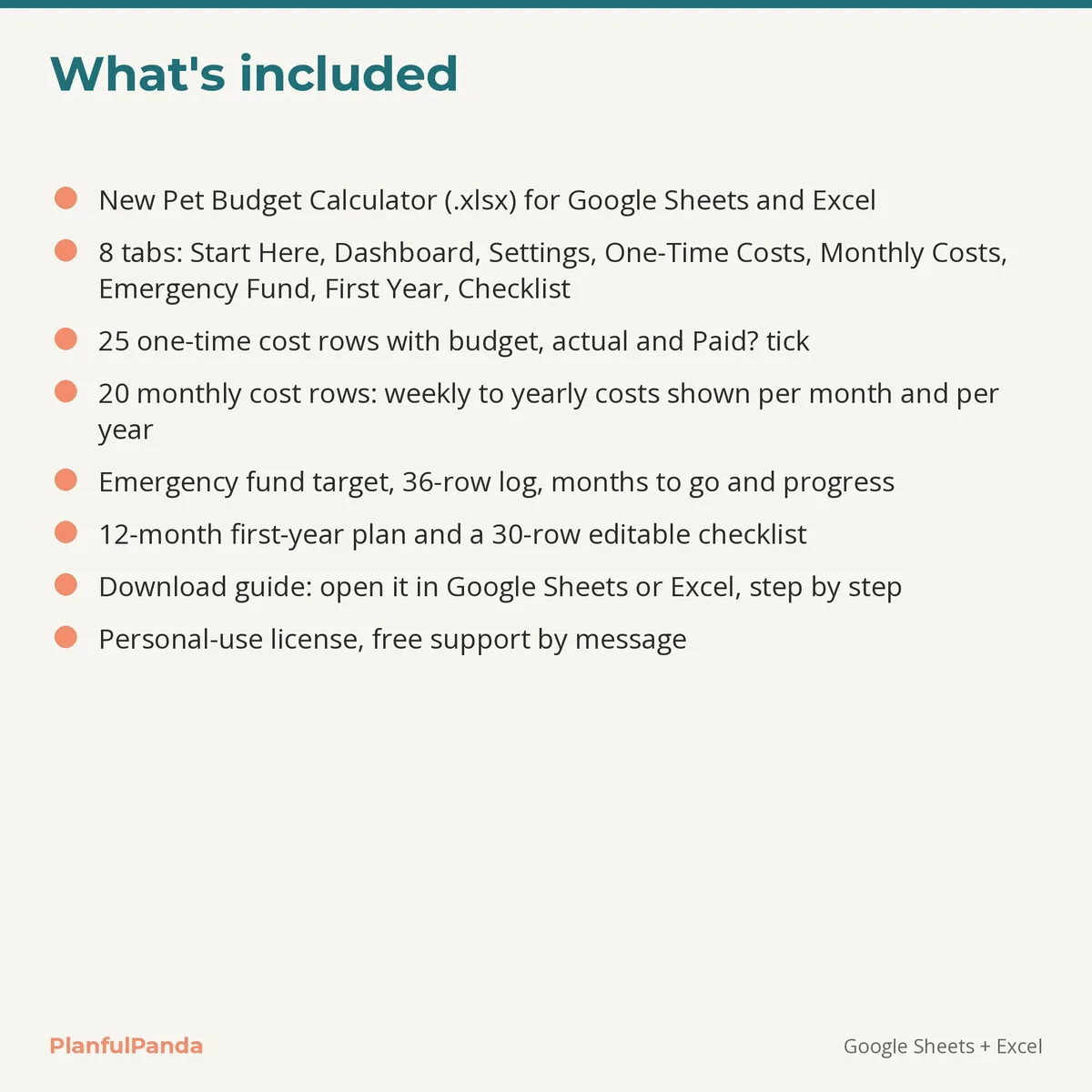
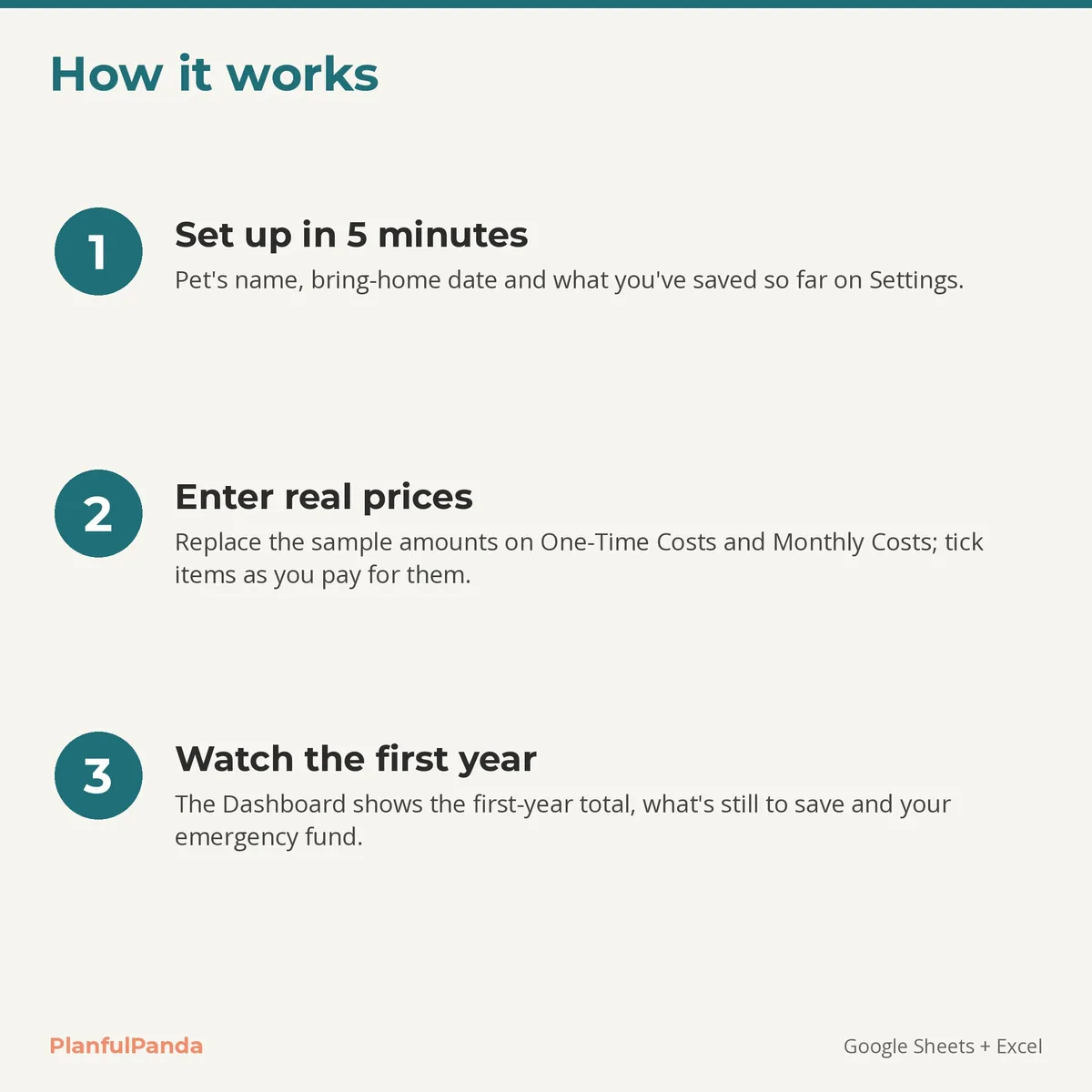
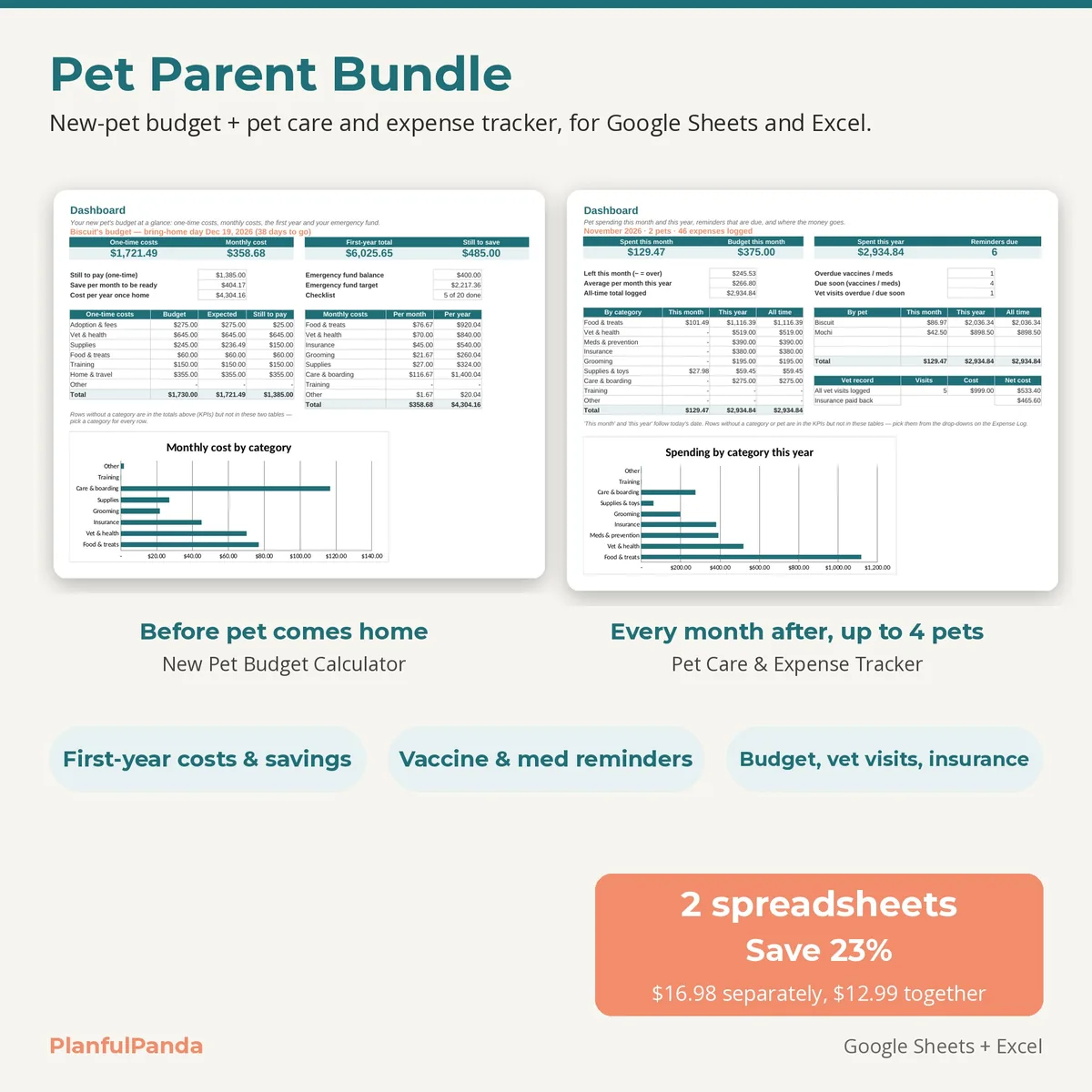
• Settings: pet's name and type, bring-home date and what you've saved so far. A summary fills in below: days to go, one-time costs, what's still to pay, how much to save per month to be ready, monthly cost and first-year total.
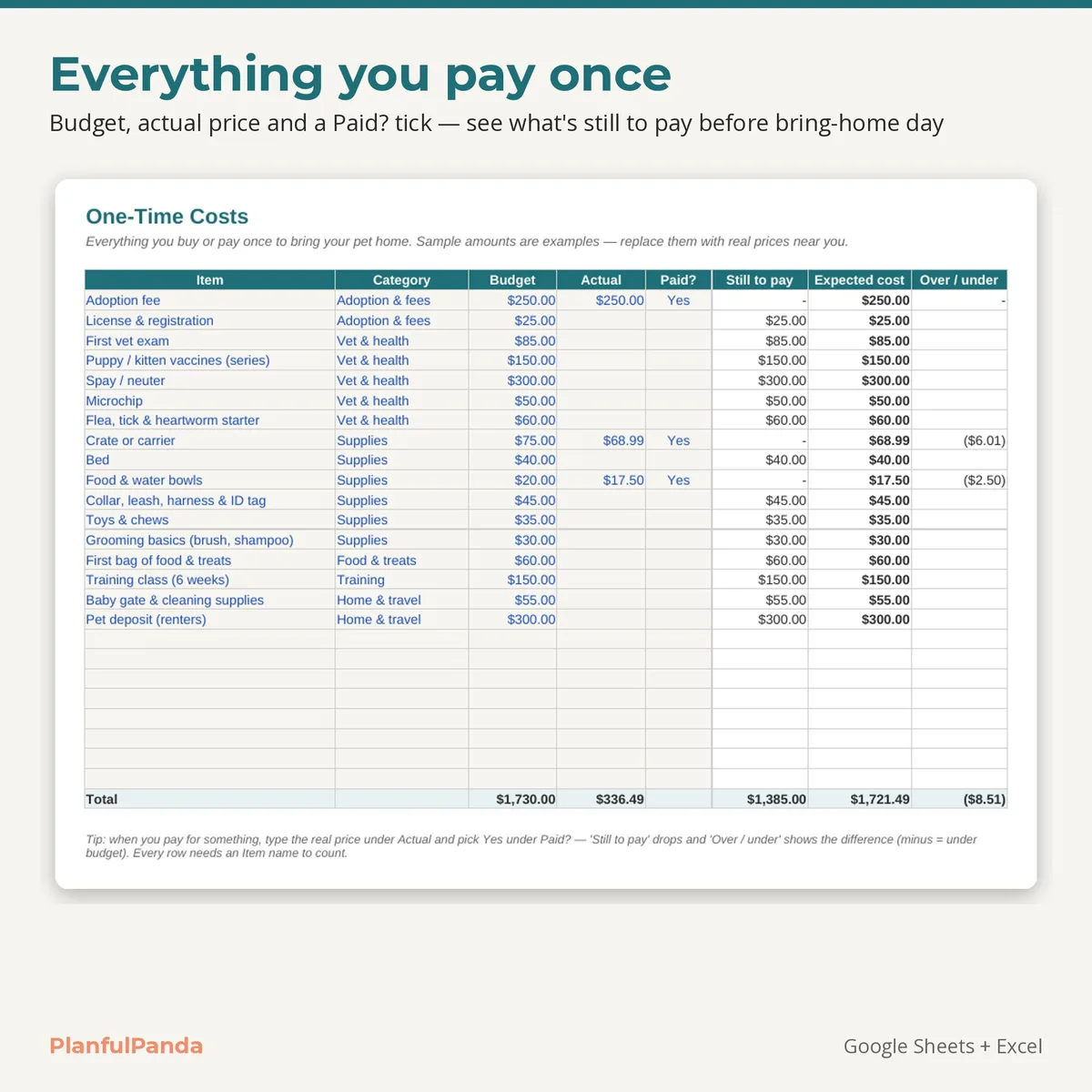
• One-Time Costs: 25 rows — item, category, budget, actual price and a Paid? tick — with what's still to pay, the expected cost and over / under budget. Starts with an editable sample list (adoption fee, first vet exam, vaccines, spay / neuter, microchip, crate, bed, bowls, leash, training class and more).
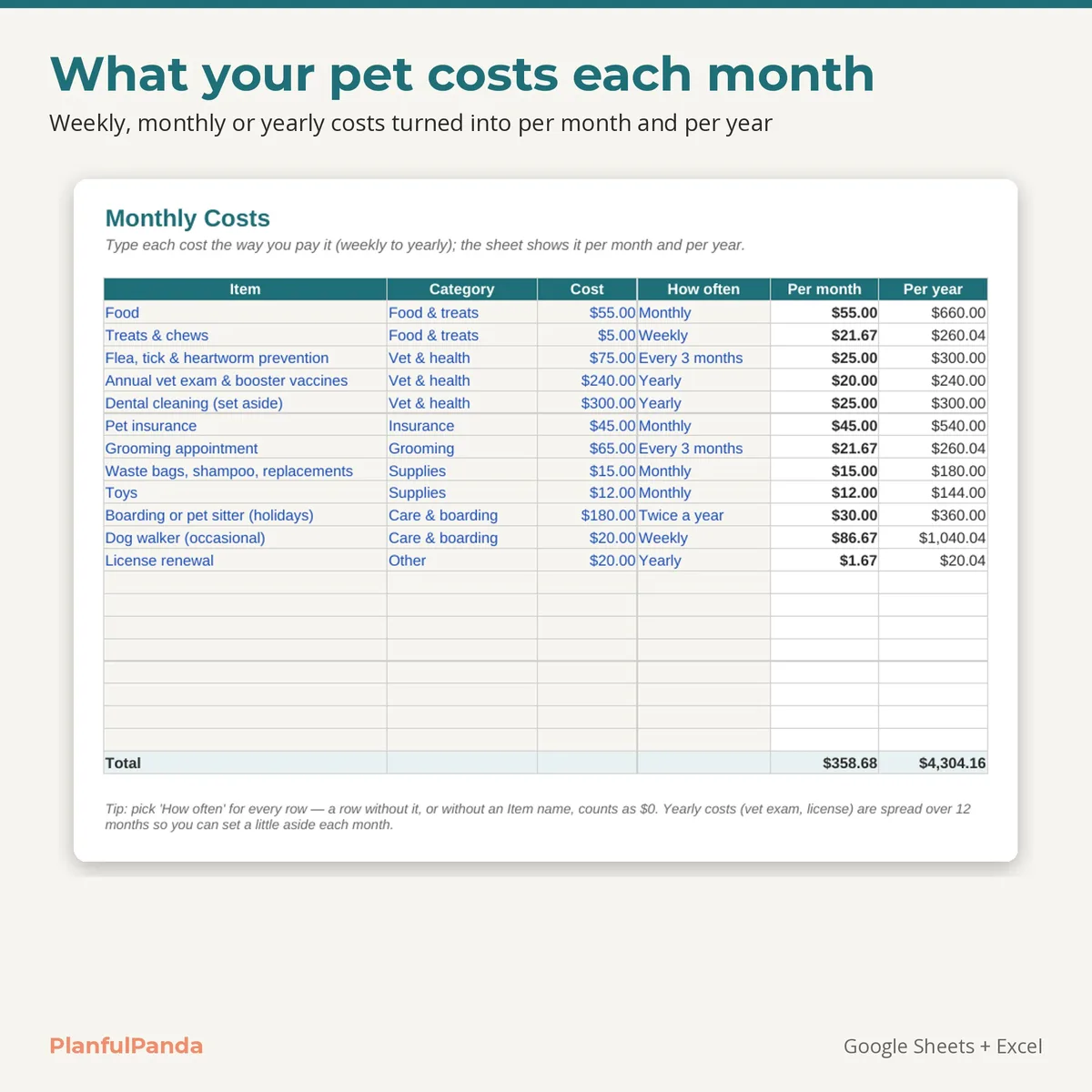
• Monthly Costs: 20 rows — type each cost the way you pay it (weekly, monthly, every 3 months, twice a year, yearly) and the sheet turns it into per month and per year.
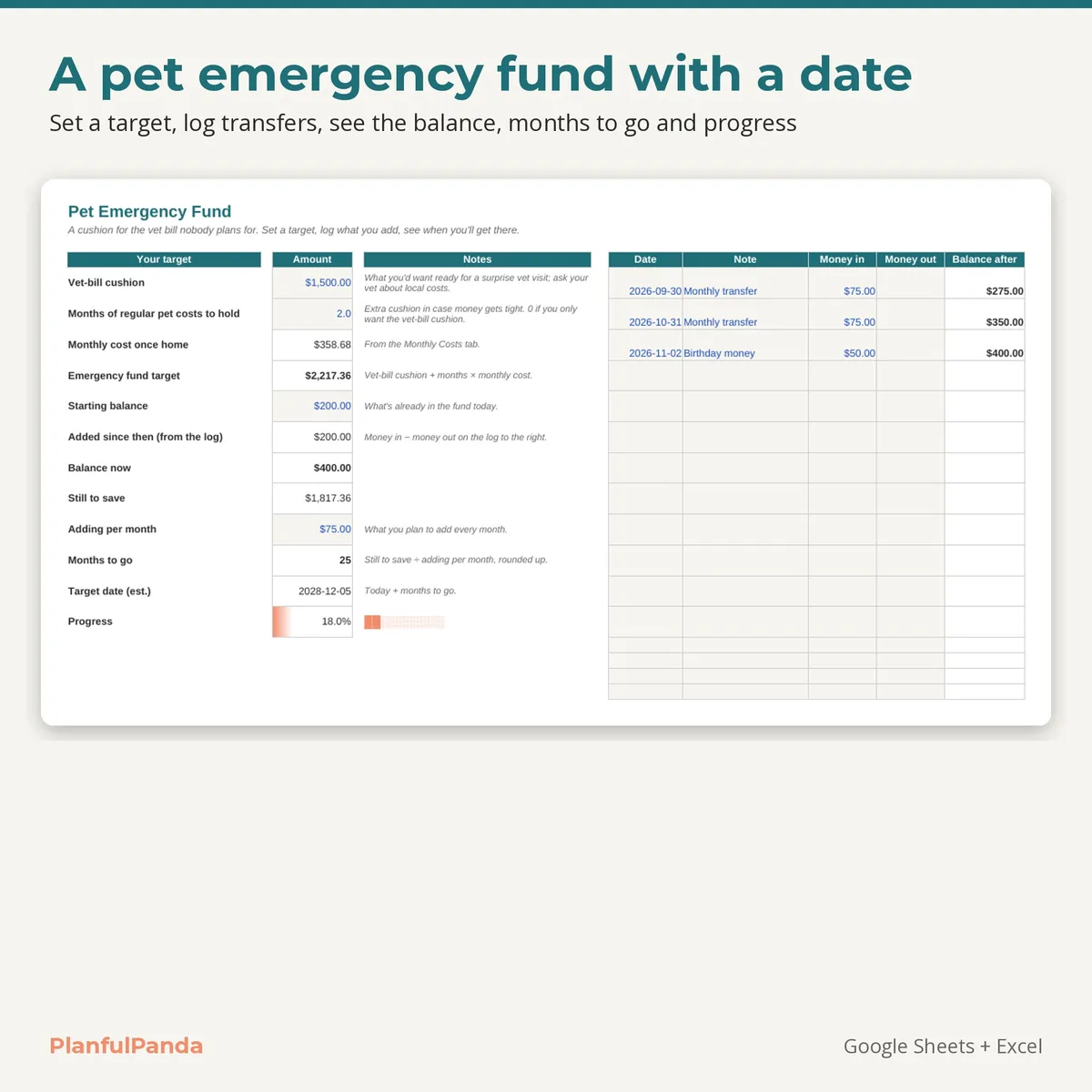
• Emergency Fund: a vet-bill cushion plus months of regular pet costs make your target; add your starting balance and a monthly amount, log each transfer (36 rows) and see the balance, months to go, an estimated date and your progress.
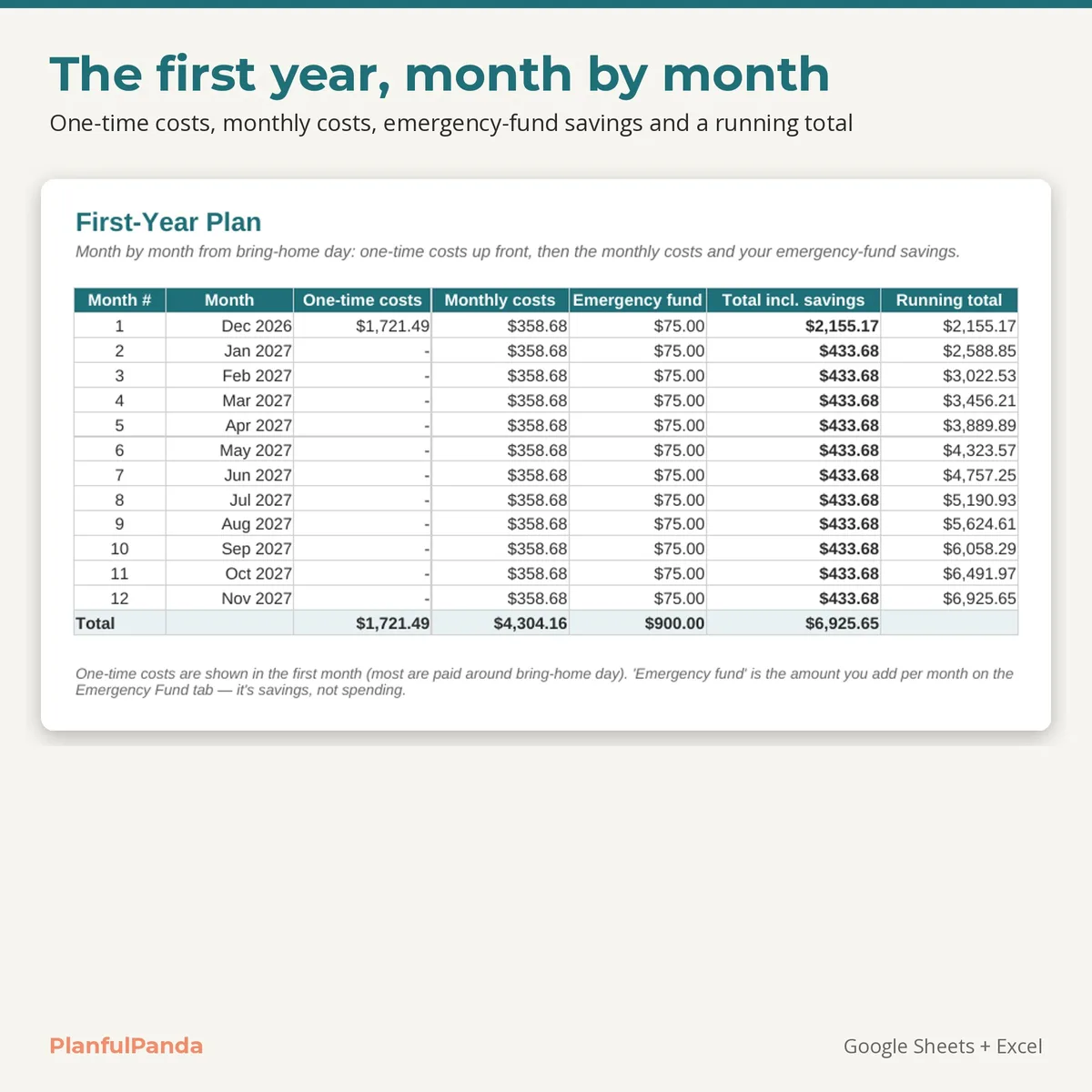
• First Year: the first 12 months, month by month from bring-home day — one-time costs, monthly costs, emergency-fund savings and a running total.
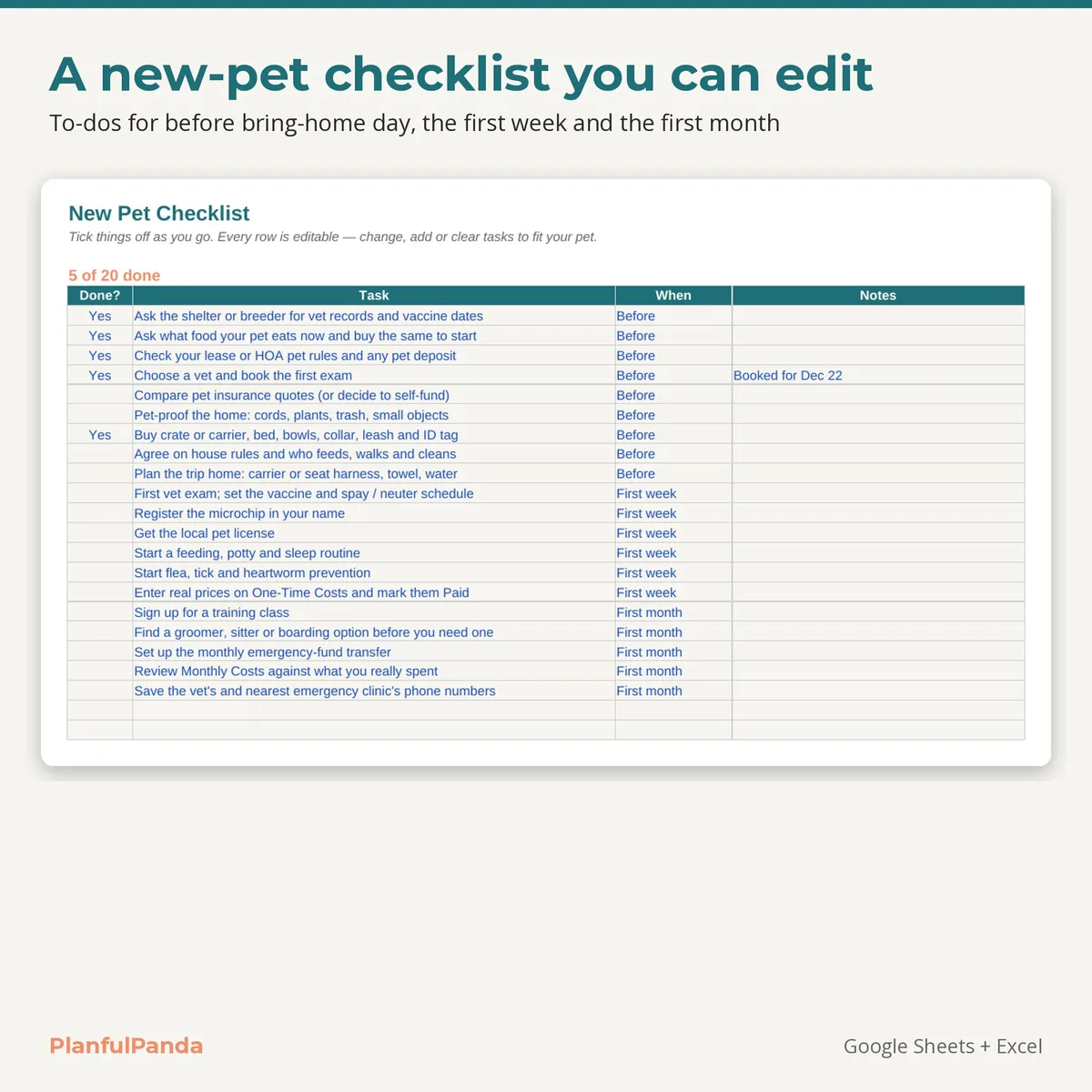
• Checklist: 30 editable rows with 20 starter to-dos for before bring-home day, the first week and the first month, and a done counter.
• Dashboard: one-time costs, monthly cost, first-year total and what's still to save, costs by category and a chart.
• Add a row by typing in the next empty cream row; remove one by clearing it. Formula cells are protected (no password).
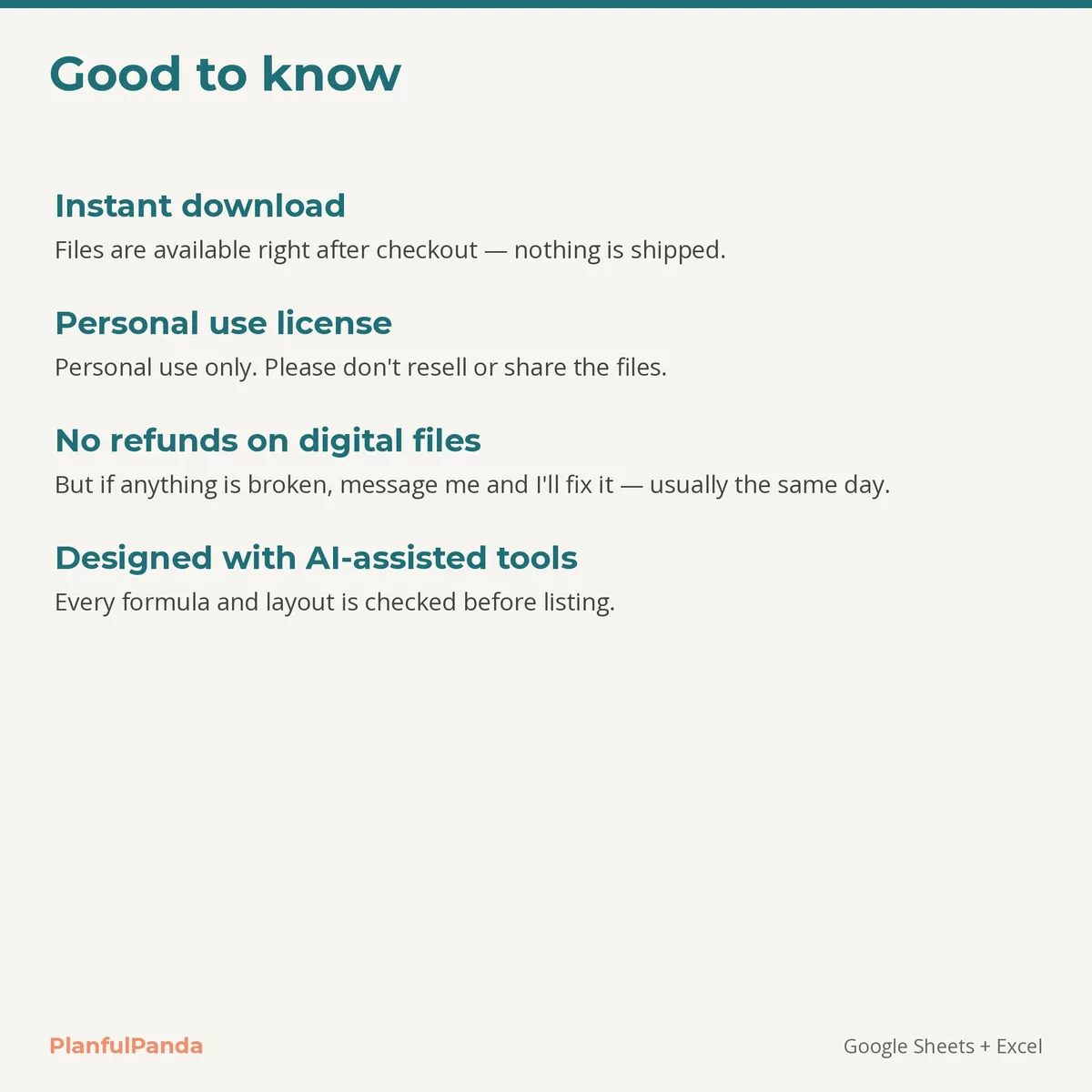
Designed by PlanfulPanda with AI-assisted tools; every formula and layout is checked before listing.