New · Under $5

Black Friday & Cyber Monday Budget

A wish list with the most you'll pay, a deal tracker that flags the lowest price, a spending cap and a savings tally.

$4.99 USD · one-time

  • Google Sheets + Excel
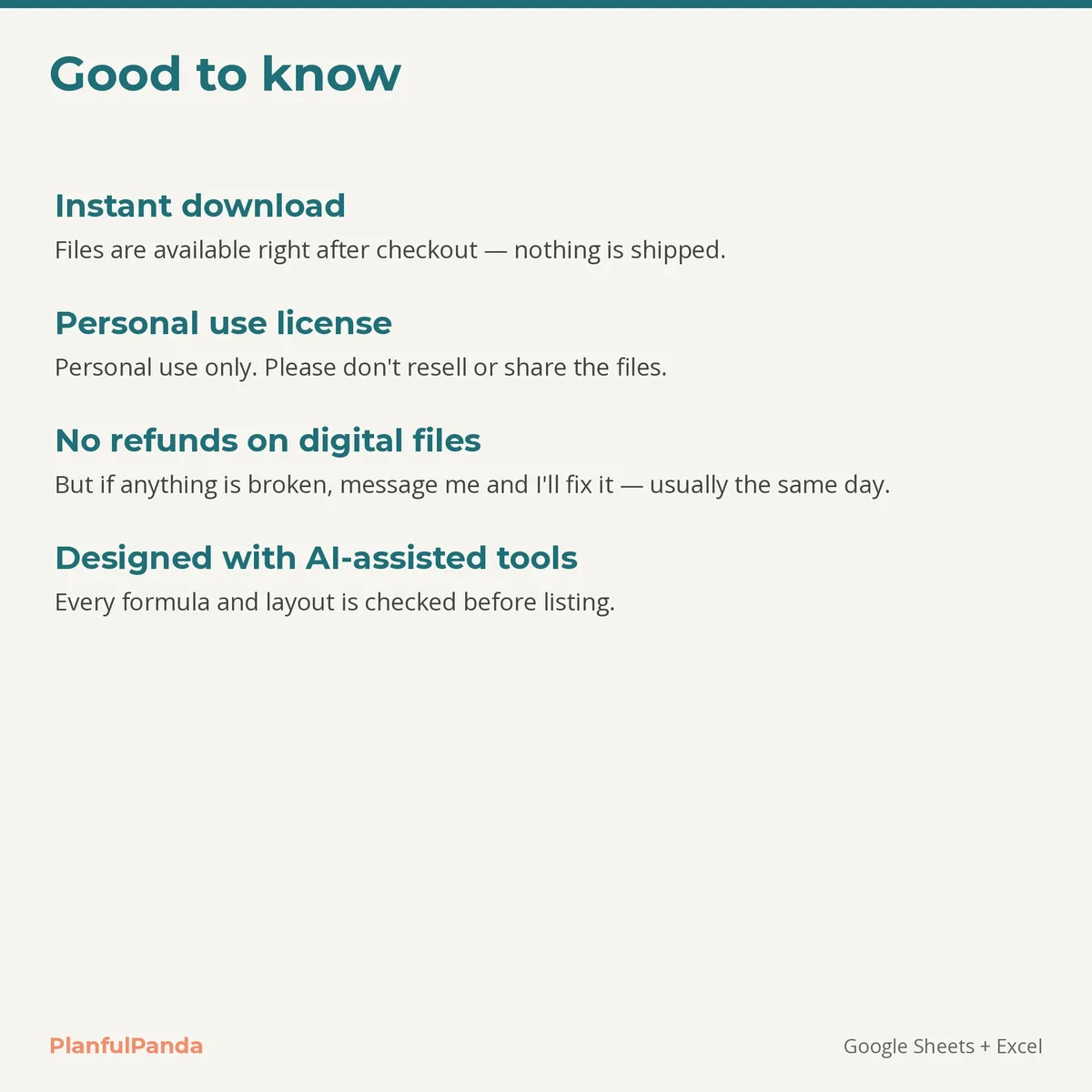
  • Instant download
  • No formulas to touch

Walk into Black Friday and Cyber Monday with a list, a price for every item and a cap you set before the ads started. Add what you want, write down the most you'll pay, log every price you see from the early-November previews onward, and this spreadsheet tells you which deals actually hit your number, what you've spent and what you saved against regular prices. Works in Google Sheets and Excel with no formulas to touch.

Perfect for: anyone who wants to walk into Black Friday with a list, a price for every item and a cap set before the ads start.

What's inside

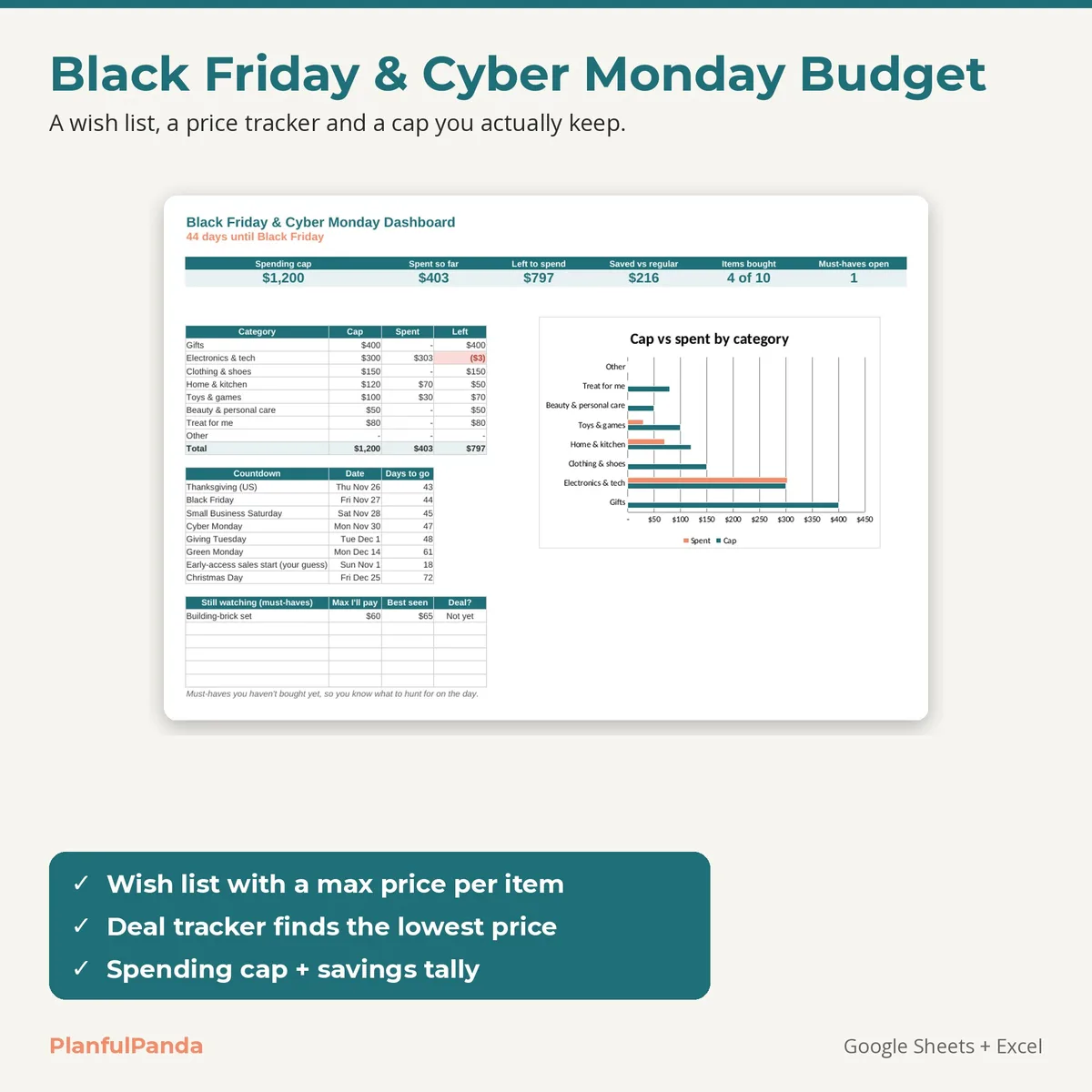
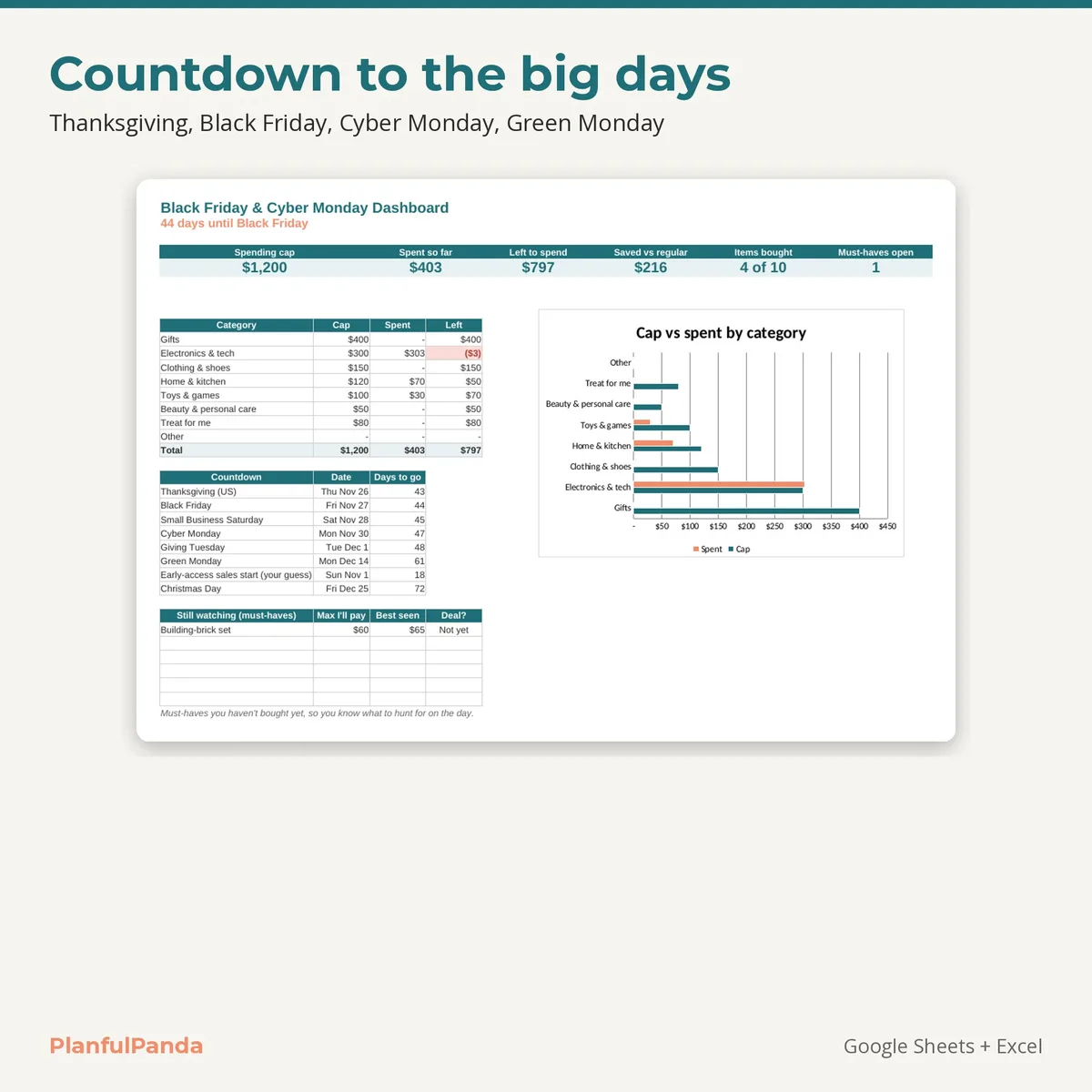
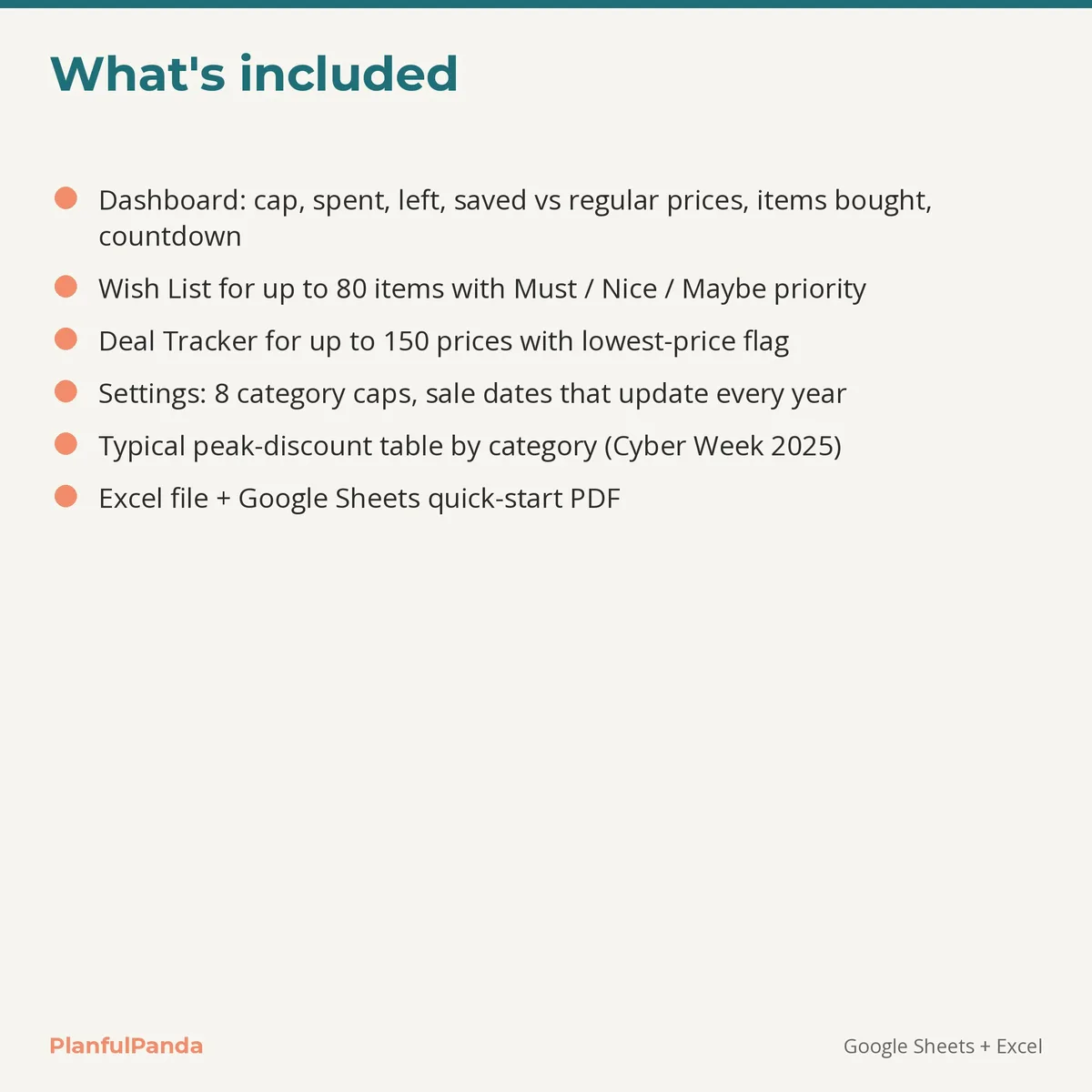
  • Dashboard: spending cap, spent so far, left to spend, saved vs regular prices, items bought (e.g. 4 of 10), must-haves still open, cap vs spent by category (chart), a countdown to Thanksgiving, Black Friday, Small Business Saturday, Cyber Monday, Giving Tuesday and Green Monday, and a short list of the must-haves you haven't bought yet.
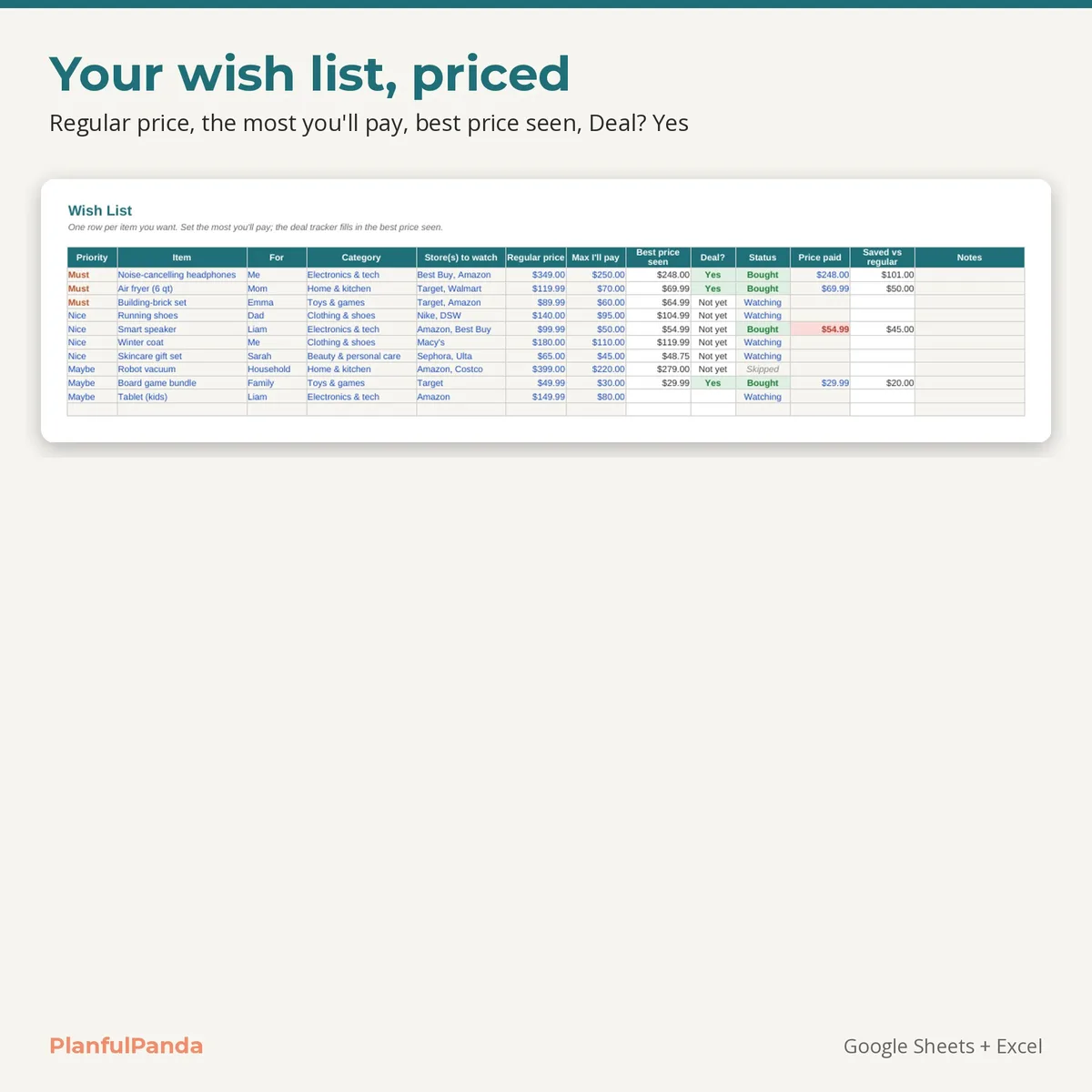
  • Wish List: up to 80 items with priority (Must / Nice / Maybe), who it's for, category, stores to watch, regular price, "Max I'll pay", best price seen (filled in from the Deal Tracker), Deal? Yes / Not yet, status Watching → Bought → Skipped, price paid and saved vs regular. Paying more than your max turns red.
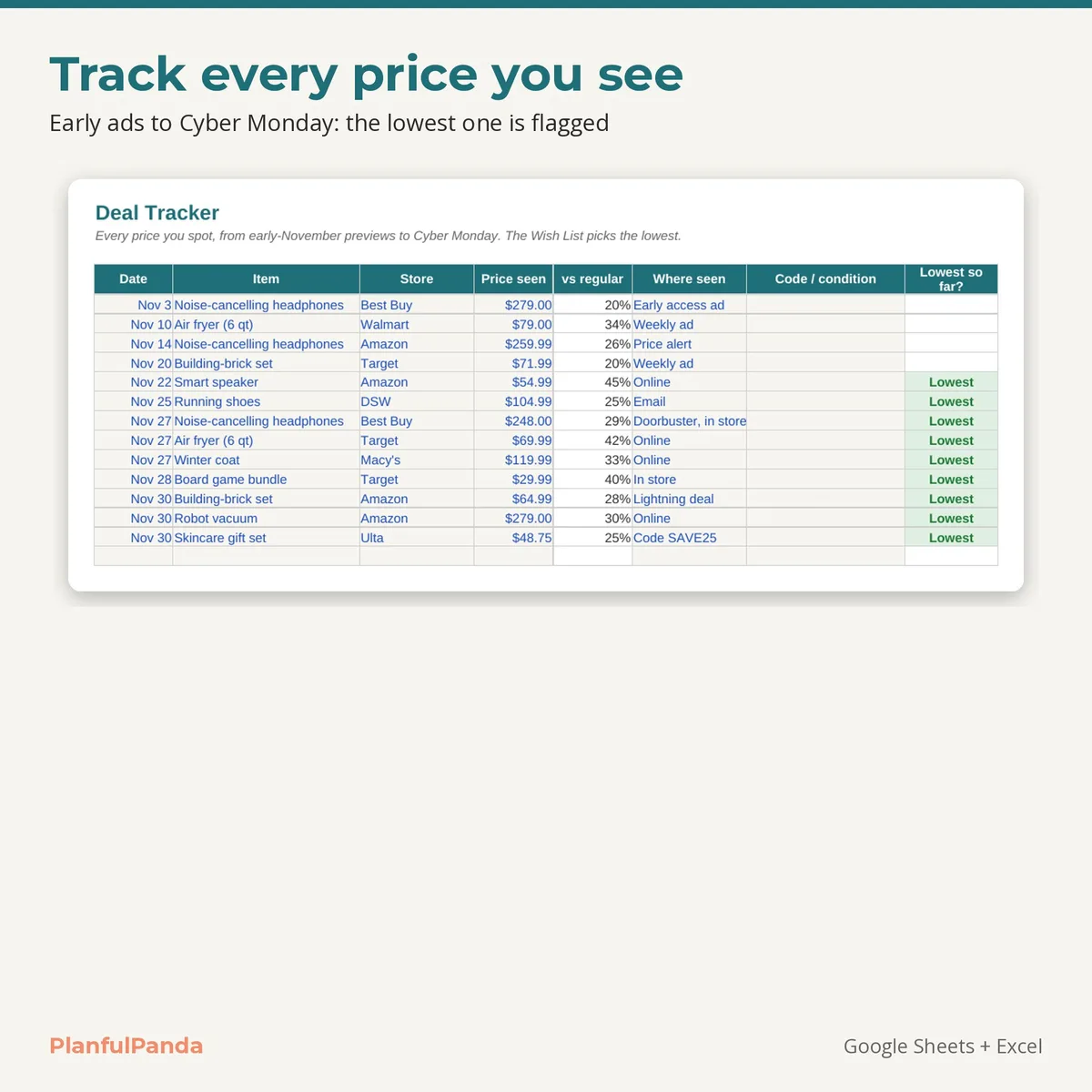
  • Deal Tracker: up to 150 prices: date, item (drop-down from your wish list), store, price seen, % off regular, where you saw it, code or condition. The lowest price for each item is flagged, so you have your own price history by the time the sale starts.
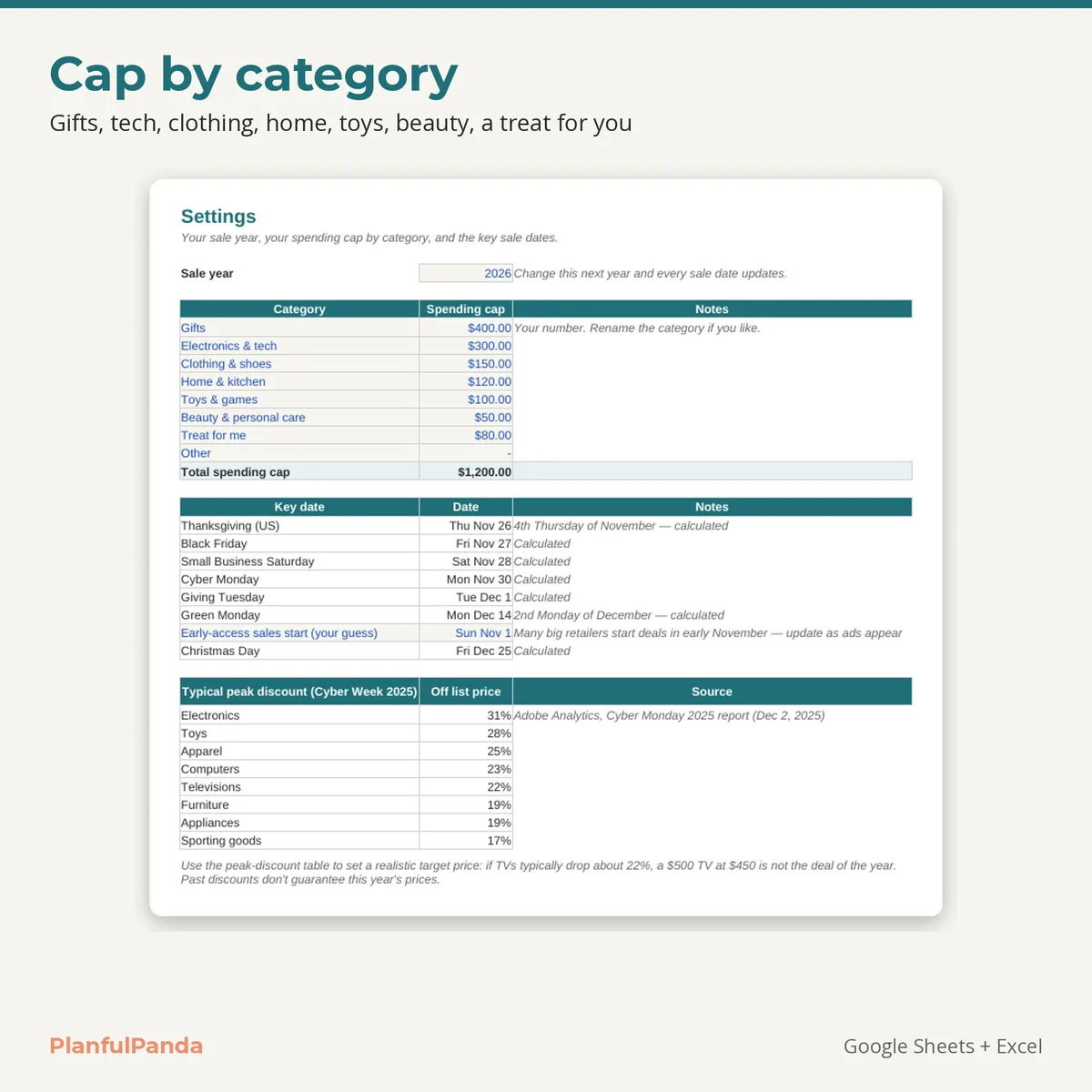
  • Settings: sale year (dates recalculate every year), a cap for each of 8 categories, and a table of typical peak discounts by category from Cyber Week 2025 to help you set realistic target prices.

YOU RECEIVE (instant download)

• Excel file (.xlsx), Windows and Mac. Opens in Google Sheets too.

• PDF quick-start guide for Google Sheets.

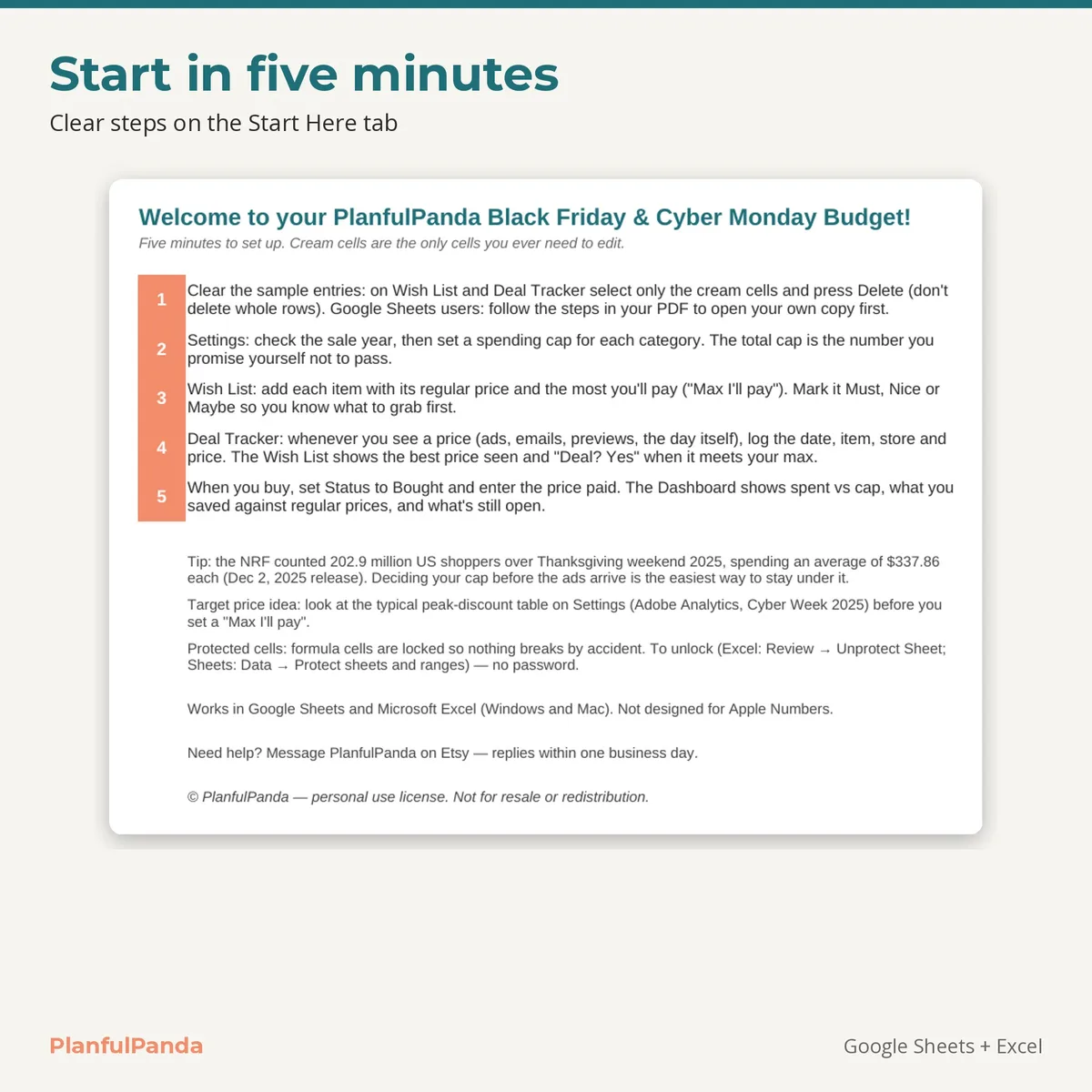
• Start Here tab with 5 set-up steps and sample data you can clear.

How it works

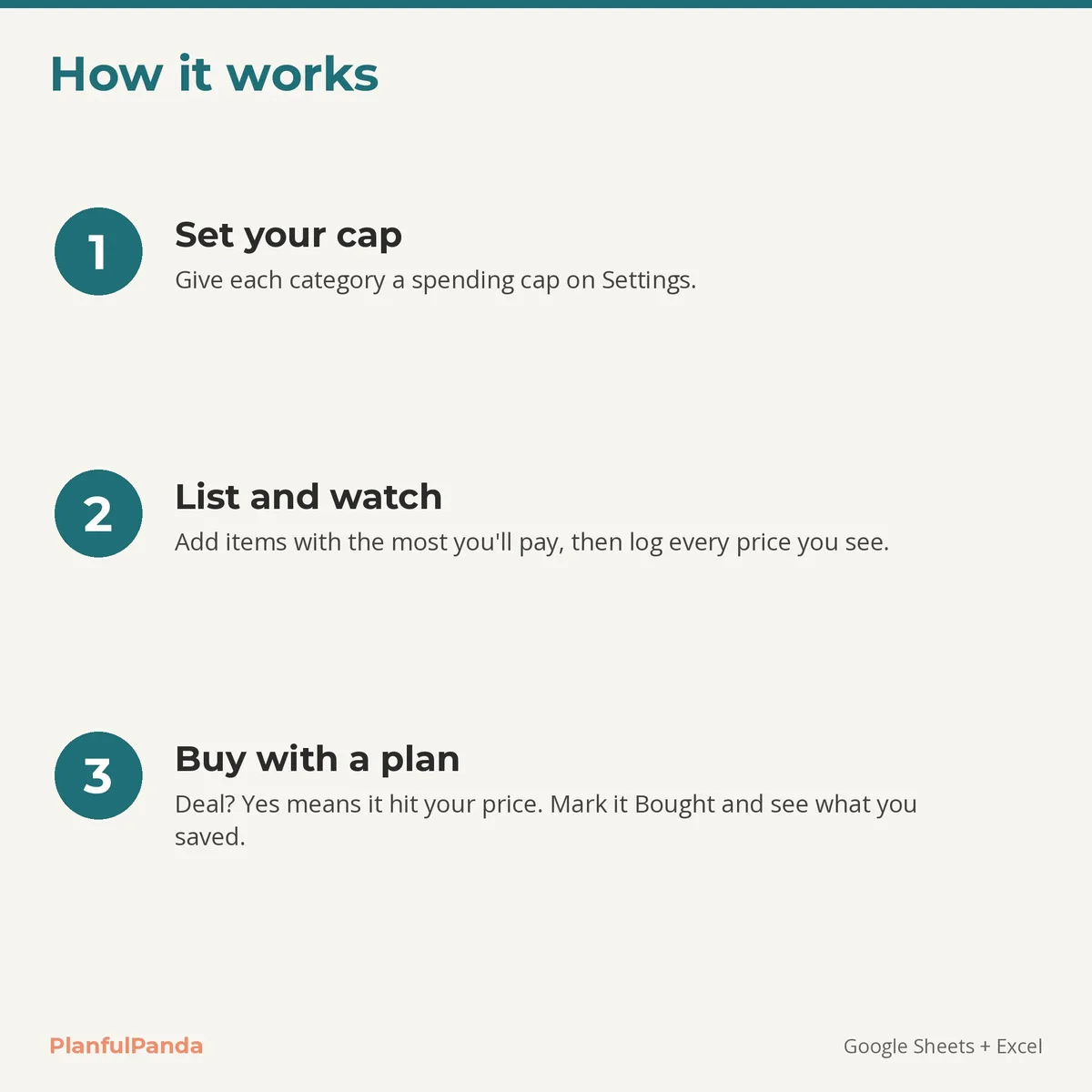
  1. Download, then open in Google Sheets (see the PDF) or Excel.
  2. Set your caps on Settings and add your items on Wish List with the most you'll pay.
  3. Log prices as you see them. When one hits your number, buy it, mark it Bought and watch the Dashboard.

Compatibility

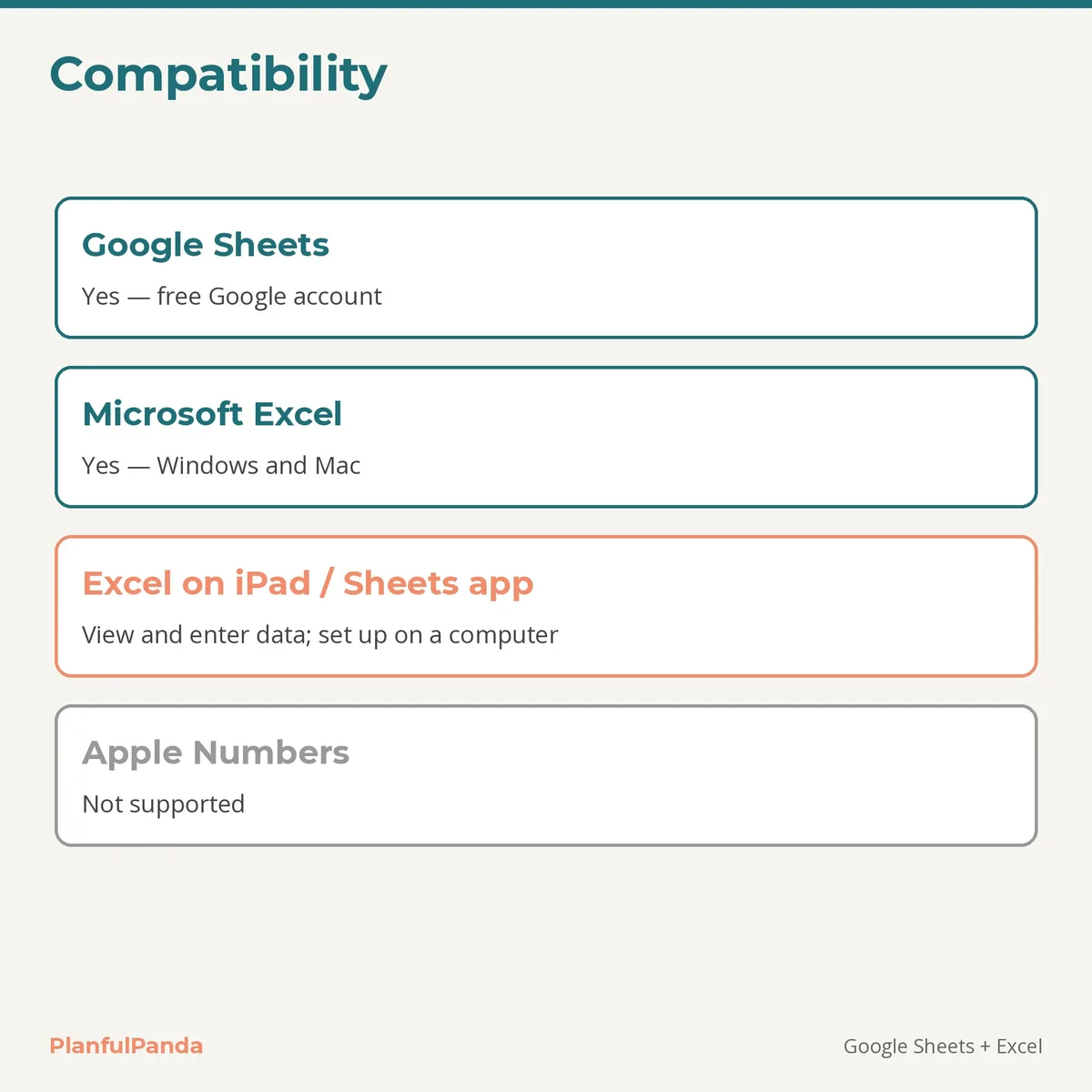
Google Sheets (free Google account) and Microsoft Excel on Windows and Mac (uses MINIFS, available in Excel 2019 and newer and Microsoft 365). Set-up is easiest on a computer; log prices on your phone in the Sheets app. Not designed for Apple Numbers.

License

Personal use. Please don't resell, share or redistribute the files.

The peak-discount table is from Adobe Analytics' Cyber Monday 2025 report; past discounts don't guarantee this year's prices. Templates are budgeting tools, not financial advice. Not affiliated with or endorsed by Google, Microsoft or any retailer named in the sample data.

Designed by PlanfulPanda with AI-assisted tools; every formula and layout is checked before listing.

Questions about the Black Friday & Cyber Monday Budget

What is the Black Friday & Cyber Monday Budget?

The PlanfulPanda Black Friday & Cyber Monday Budget is a spreadsheet template for Google Sheets and Excel. A wish list with the most you'll pay, a deal tracker that flags the lowest price, a spending cap and a savings tally.

Who is the Black Friday & Cyber Monday Budget for?

It's made for anyone who wants to walk into Black Friday with a list, a price for every item and a cap set before the ads start.

Does it work in Google Sheets and Excel?

Yes. You get a Google Sheets copy link and an Excel (.xlsx) file for Windows or Mac. It isn't designed for Apple Numbers.

How much does it cost?

$4.99 USD on Etsy, or $4.49 when you buy direct through Payhip. It's a one-time purchase with no subscription.